
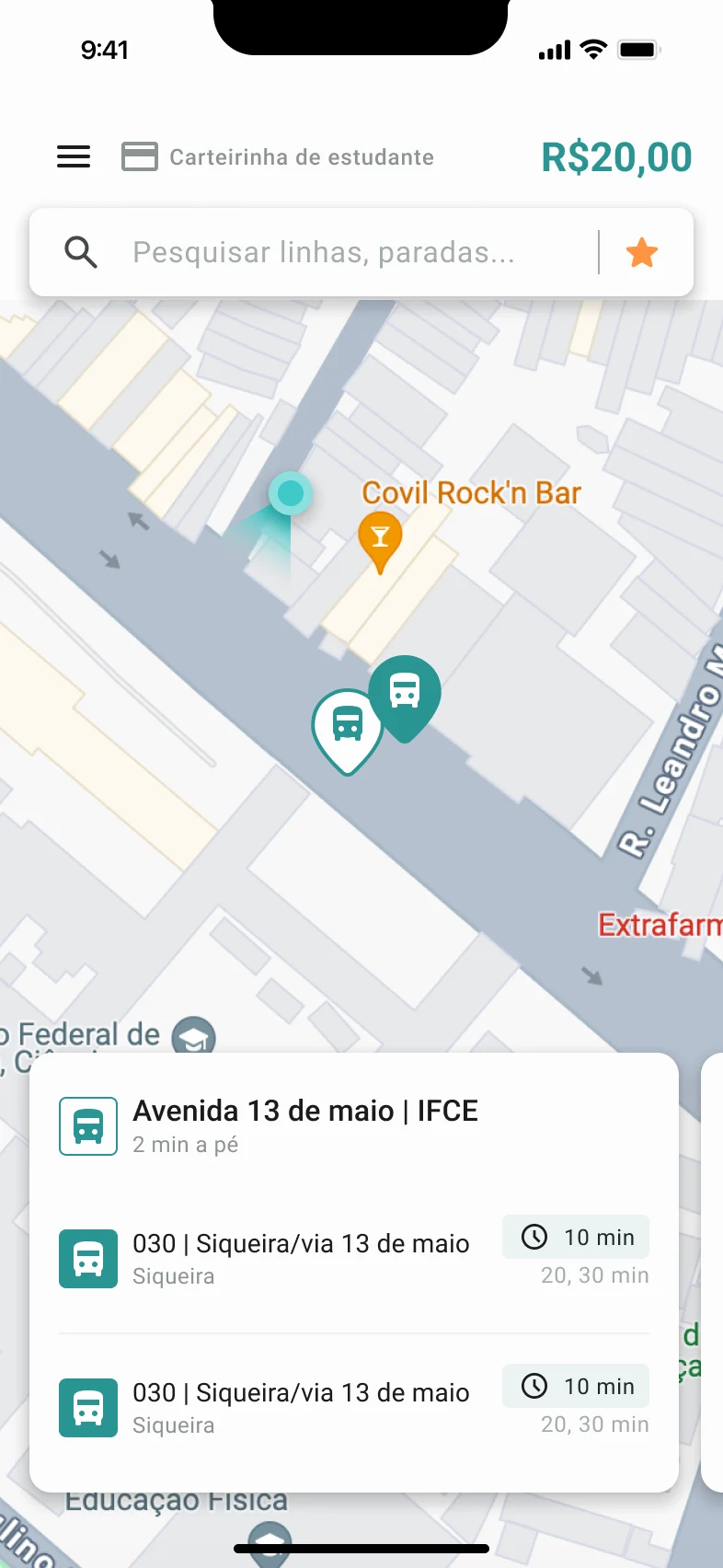



Redesigning how a state submits debts for collection
I evolved a submission flow into a system where public servants register, track and fix their requests on their own.
- My role
- UX/UI Designer
- Client
- Attorney General's Office
- Team
- 1 designer, 1 requirements analyst, 4 devs and 2 QAs
- Timeline
- 2 months
What I did
I redesigned the flows and defined rules, fields and behaviors together with the attorney in charge, the department's coordination and the requirements and development teams.
Context
When someone fails to pay an amount owed to the state (like a fine), the agency that issued the charge can't collect it on its own. That's the job of the Attorney General's Office: it receives and reviews the debt and, if everything is correct, registers it officially so the state can collect it. That's why every public agency has to send its debts there.
-
Debt at the source agency
A state agency (such as a department or public authority) issues fines that weren't paid, and the debt has to be sent to the Attorney General's Office to be collected.
-
Debt request
We're here!The agency's public servant fills in the debt details, the debtors and the charges, and submits the request. Then they track its status and fix it or reply when the Attorney General's Office points out a problem.
-
Debt management
The request is either approved automatically or reviewed by the Attorney General's Office. Once registered, the debt is managed and collected by the state.
Proto-personas
Given our timeline, almost everything I knew about these users came from the stakeholders, who closely followed their mistakes and questions.
Public servant at a state agency - who submits
35 to 60 years old · not from the legal field · little digital familiarity
Goal
Submit the right debt and know which stage it's in.
Needs
- see only the fields that apply to their agency
- know what's missing before submitting
- track and fix the request after submitting
Pain points
- locked fields, or fields that don't apply to their agency
- no warning about what's missing to move on
- after submitting, can't see the status or fix mistakes
Debt analyst - who receives and corrects
Works in the debt department of the Attorney General's Office · checks requests from every agency
Goal
Find the errors and get the request ready to be registered.
Needs
- point out the error to the agency inside the system;
- receive the fix in the system itself;
- stop editing the registration by hand.
Pain points
- opened a ticket for every error;
- the agency's reply came by email;
- edited the registration by hand.
Before, both of them relied on tickets and emails to solve any error.
Problem
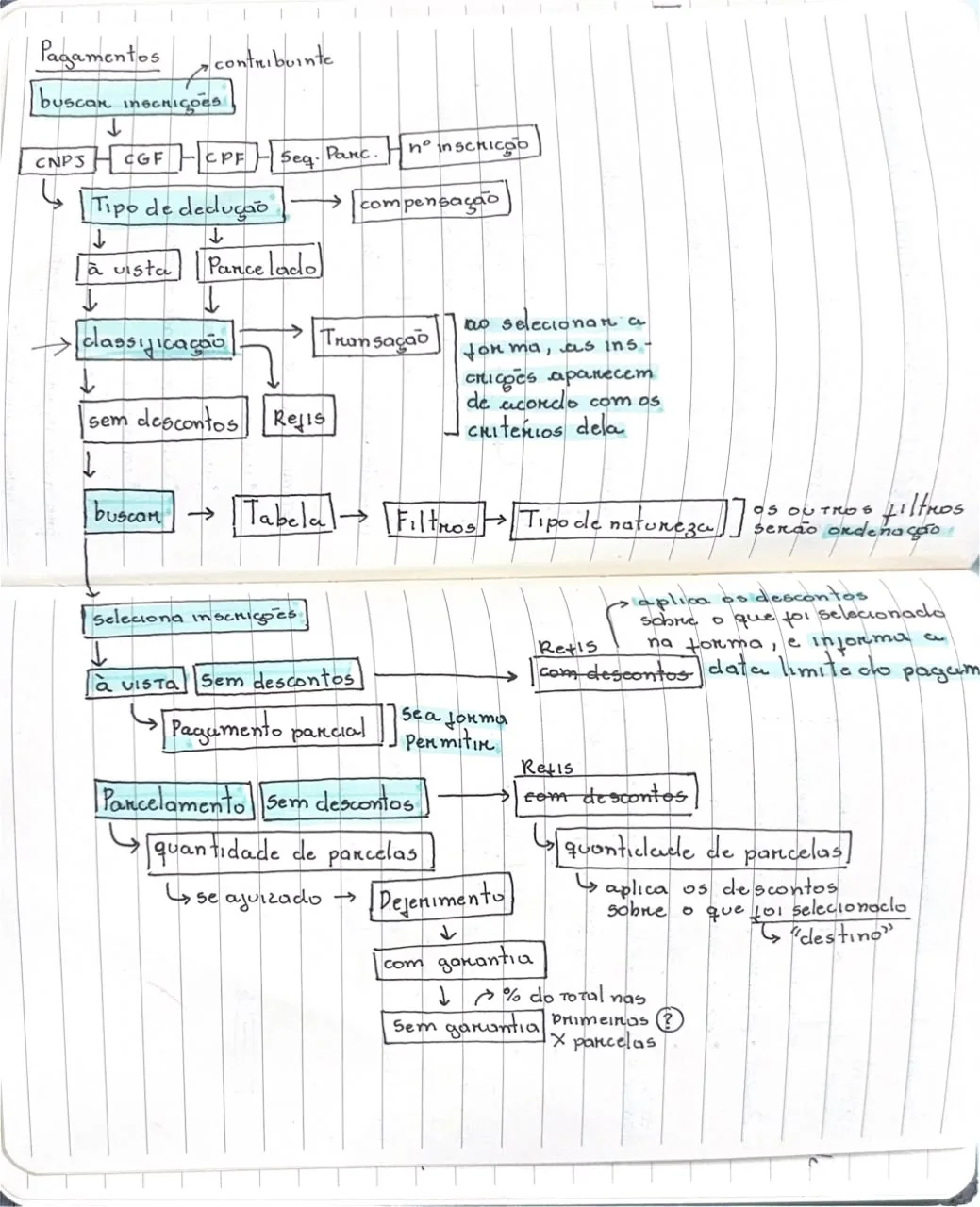
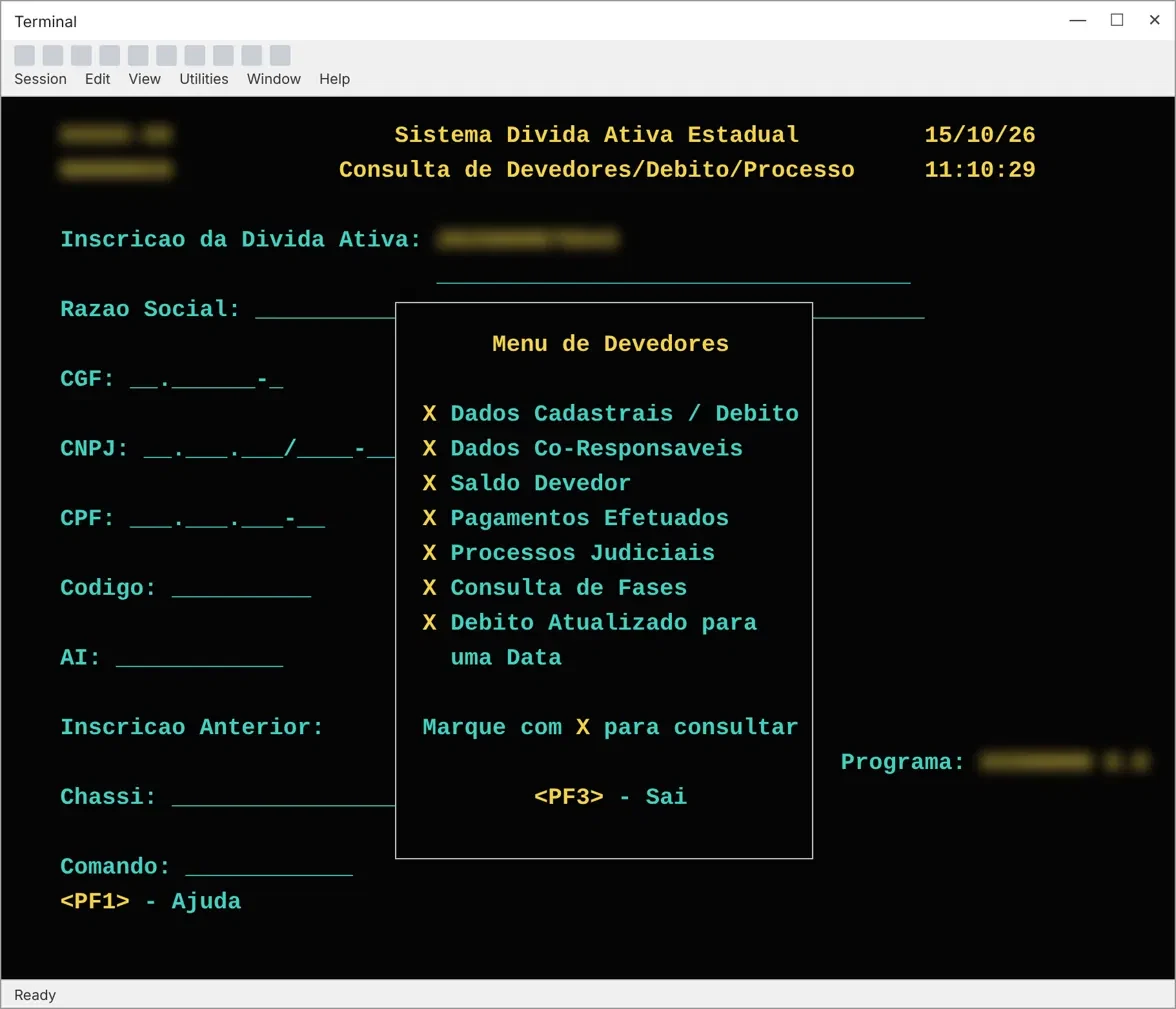
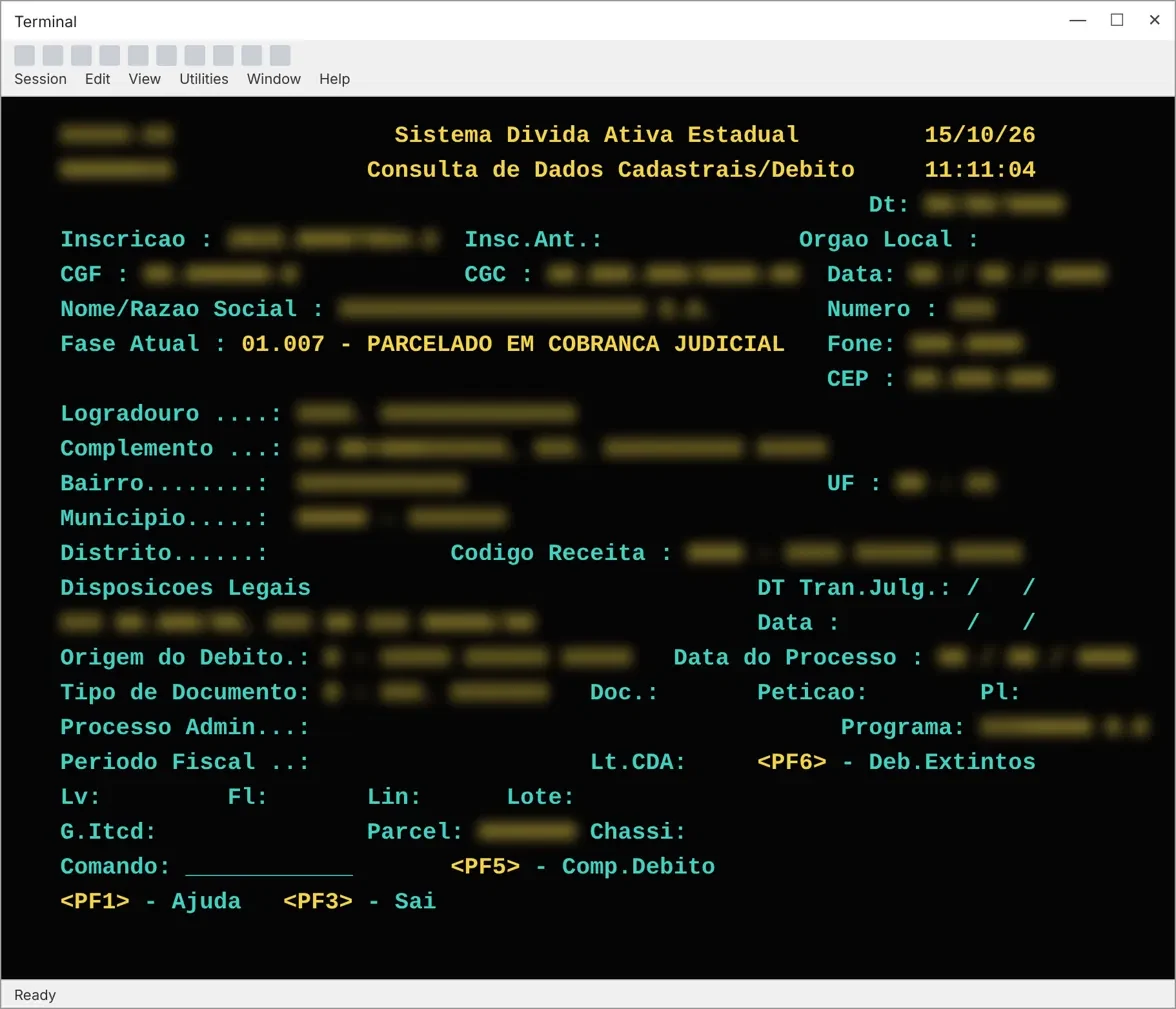
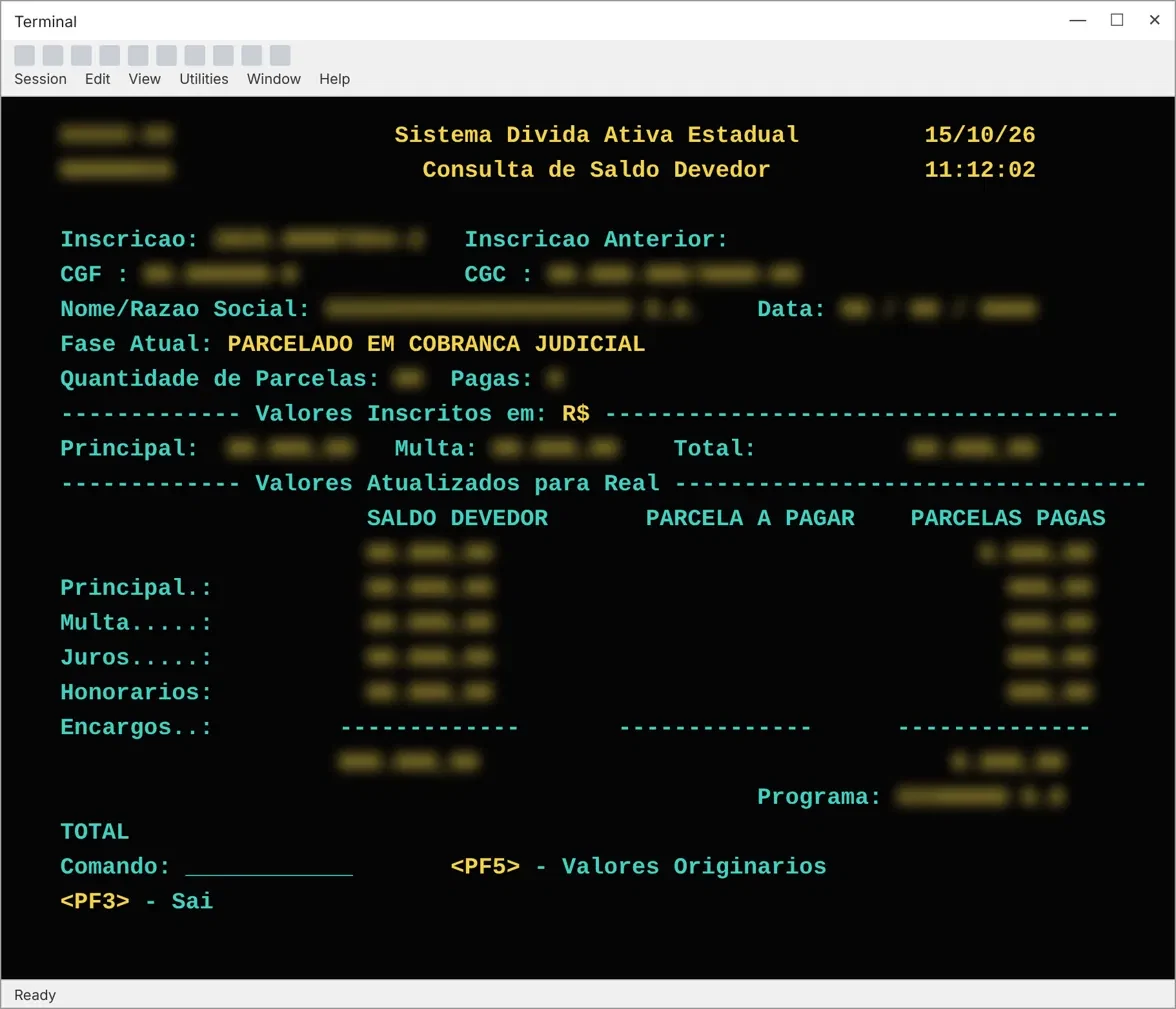
I went through the submission flow in the old system as if I were a public servant, noting every point where they could struggle and listing possible solutions. What happened after submission was reported by the stakeholders.
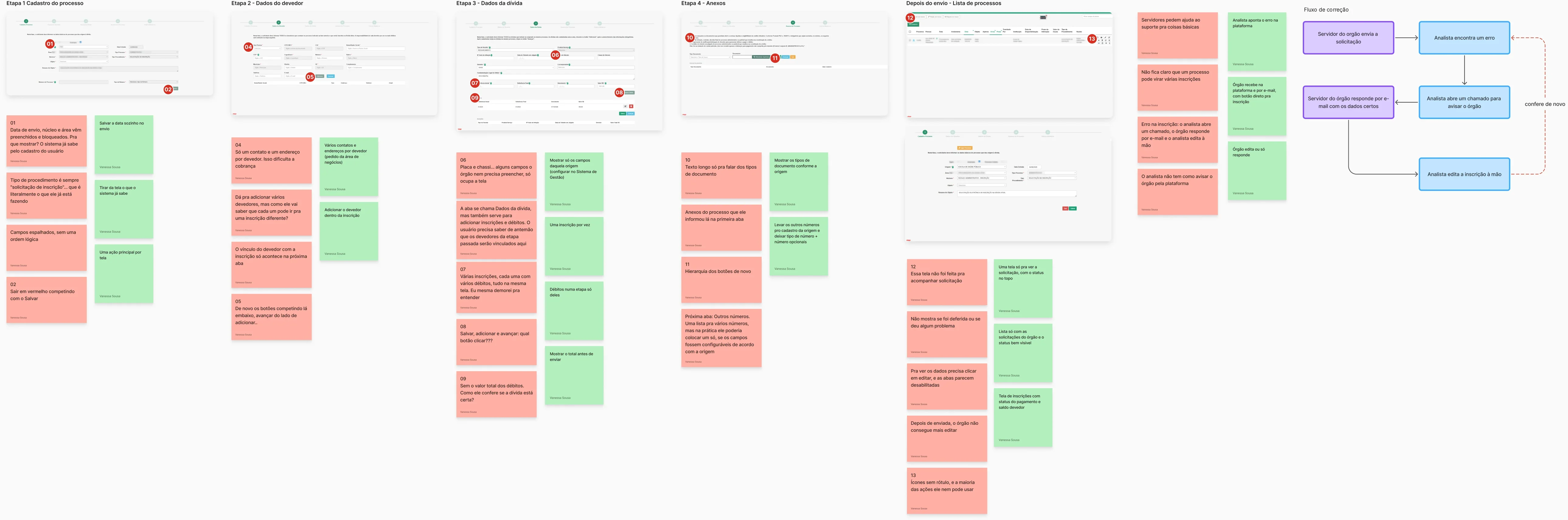
In red, the problems. In green, the first solution ideas.
Redesigning the flow
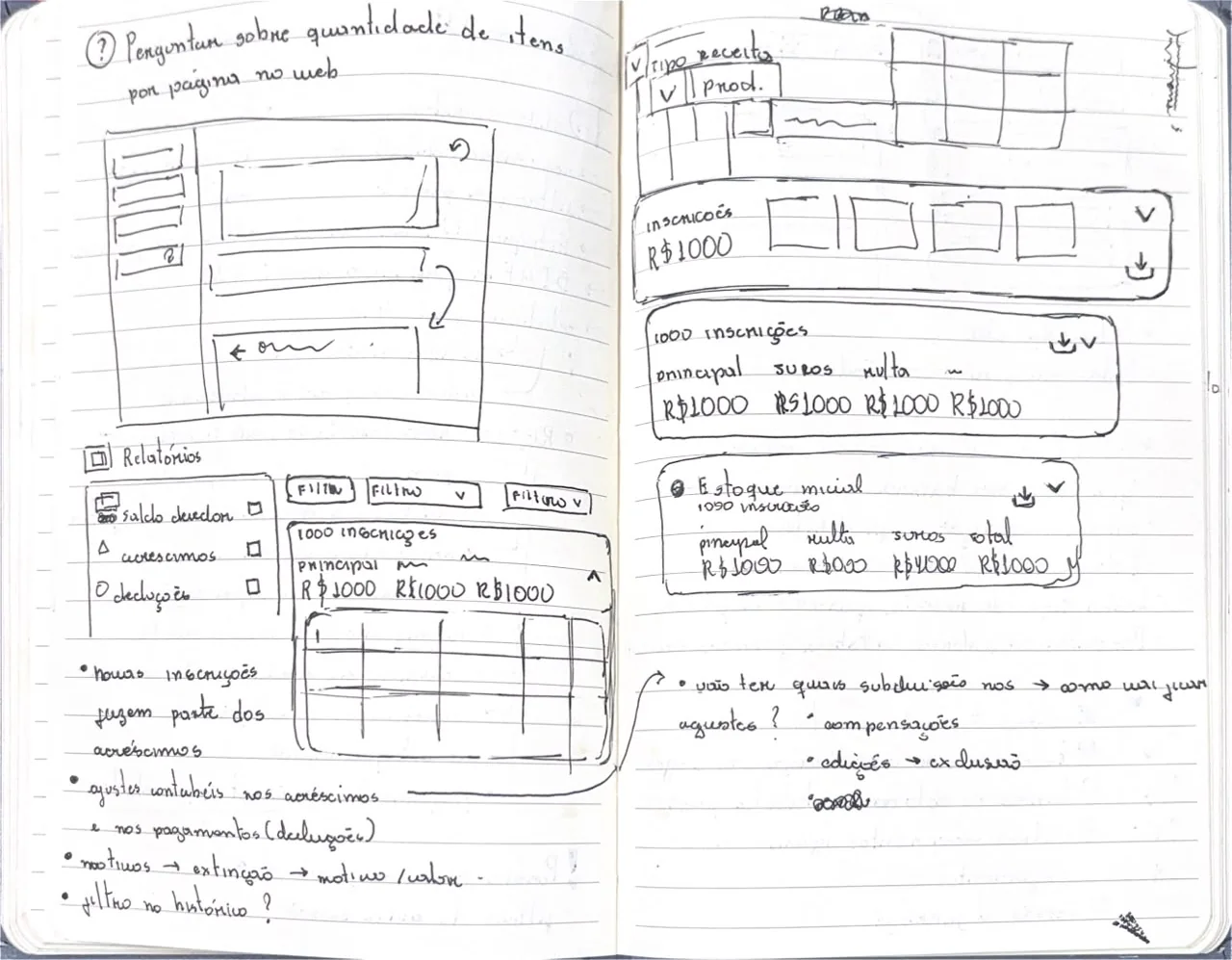
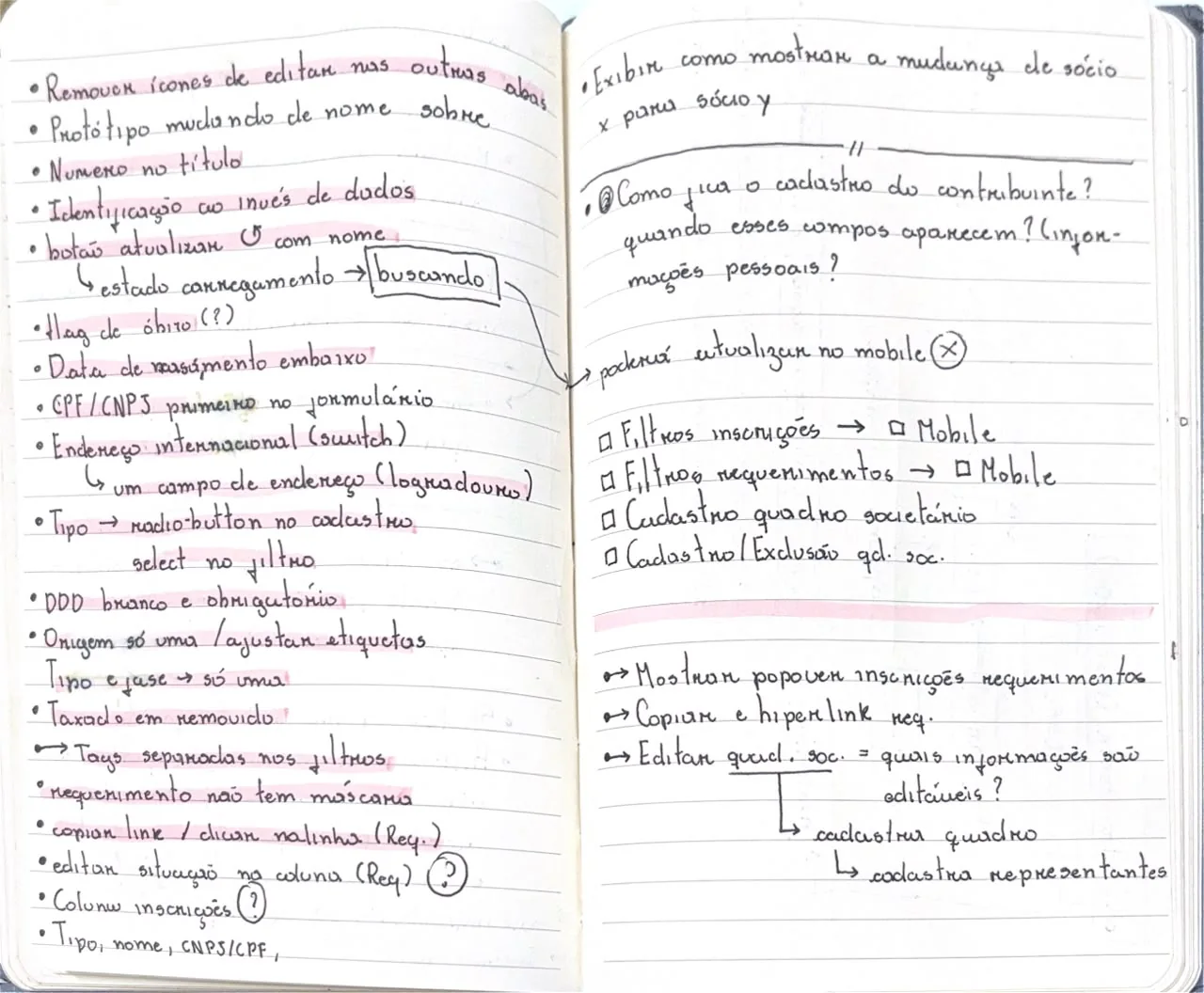
When I presented the solutions to the stakeholders, other questions came up from their requests, the deadline and what was technically feasible. These decisions were negotiated and shaped the final flow.
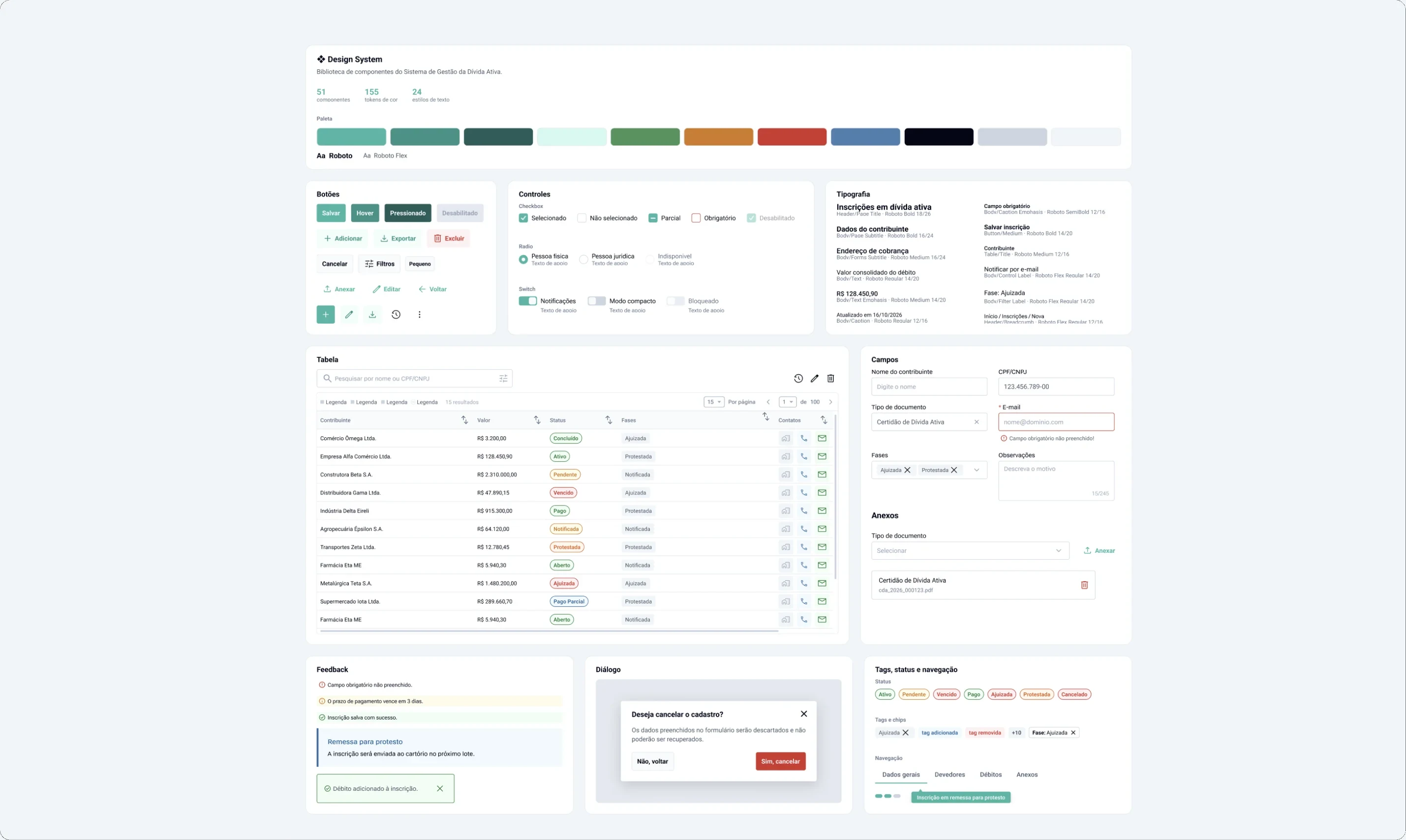
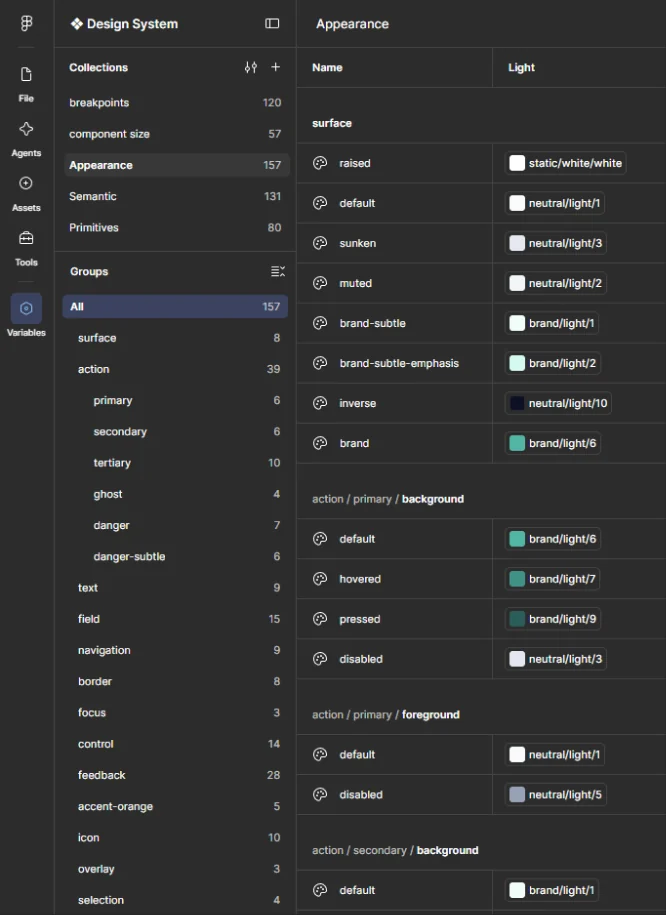
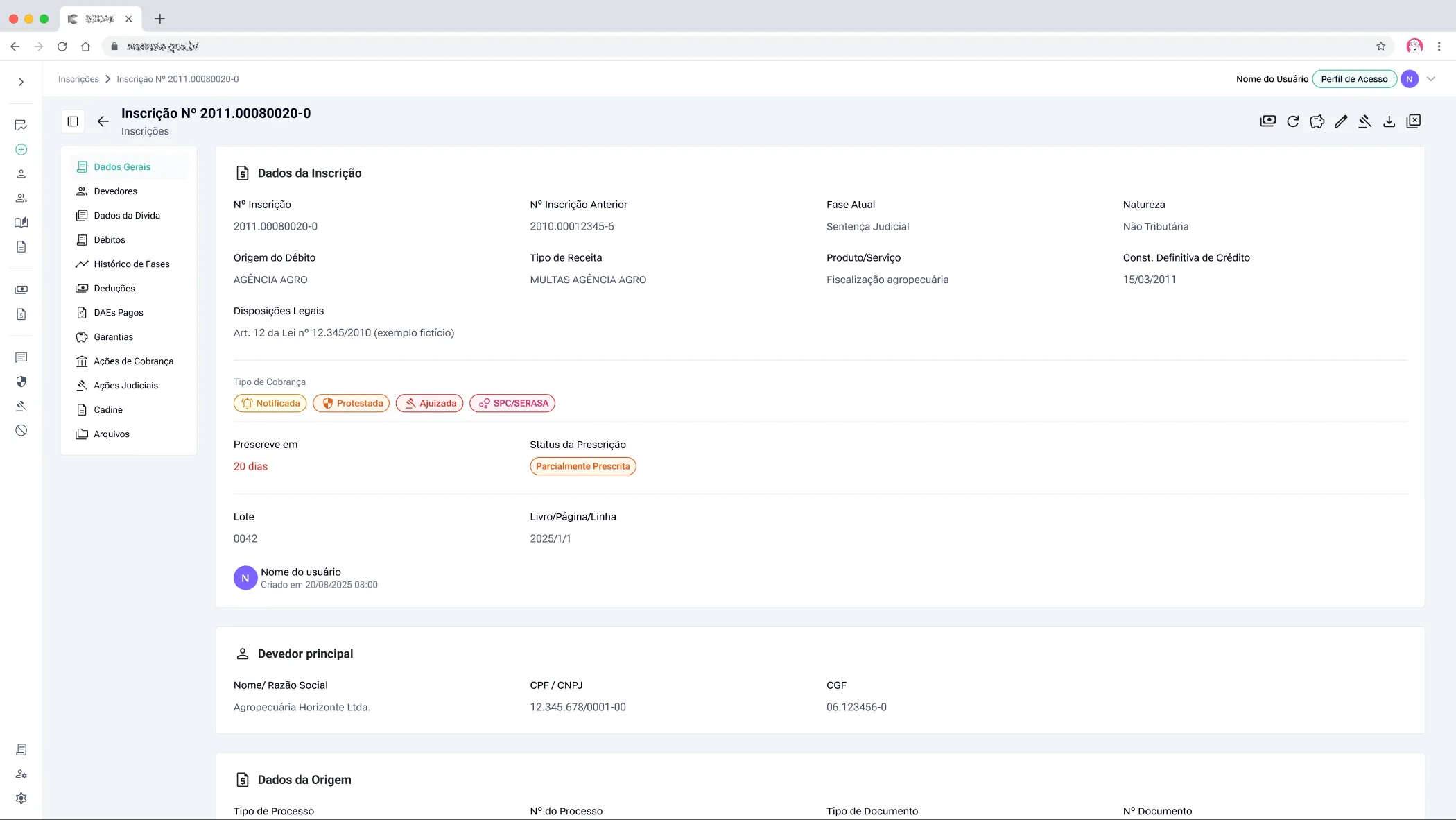
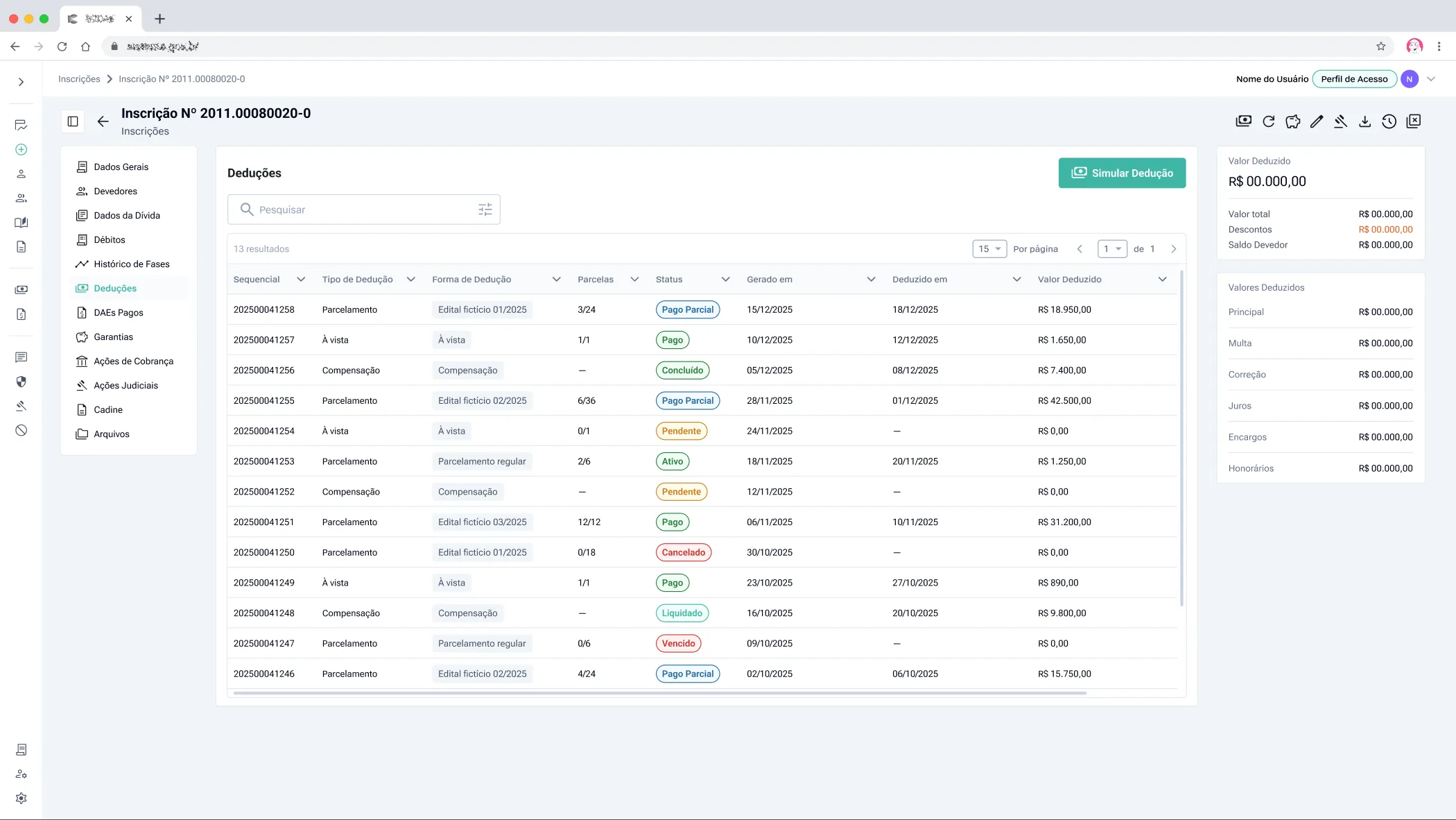
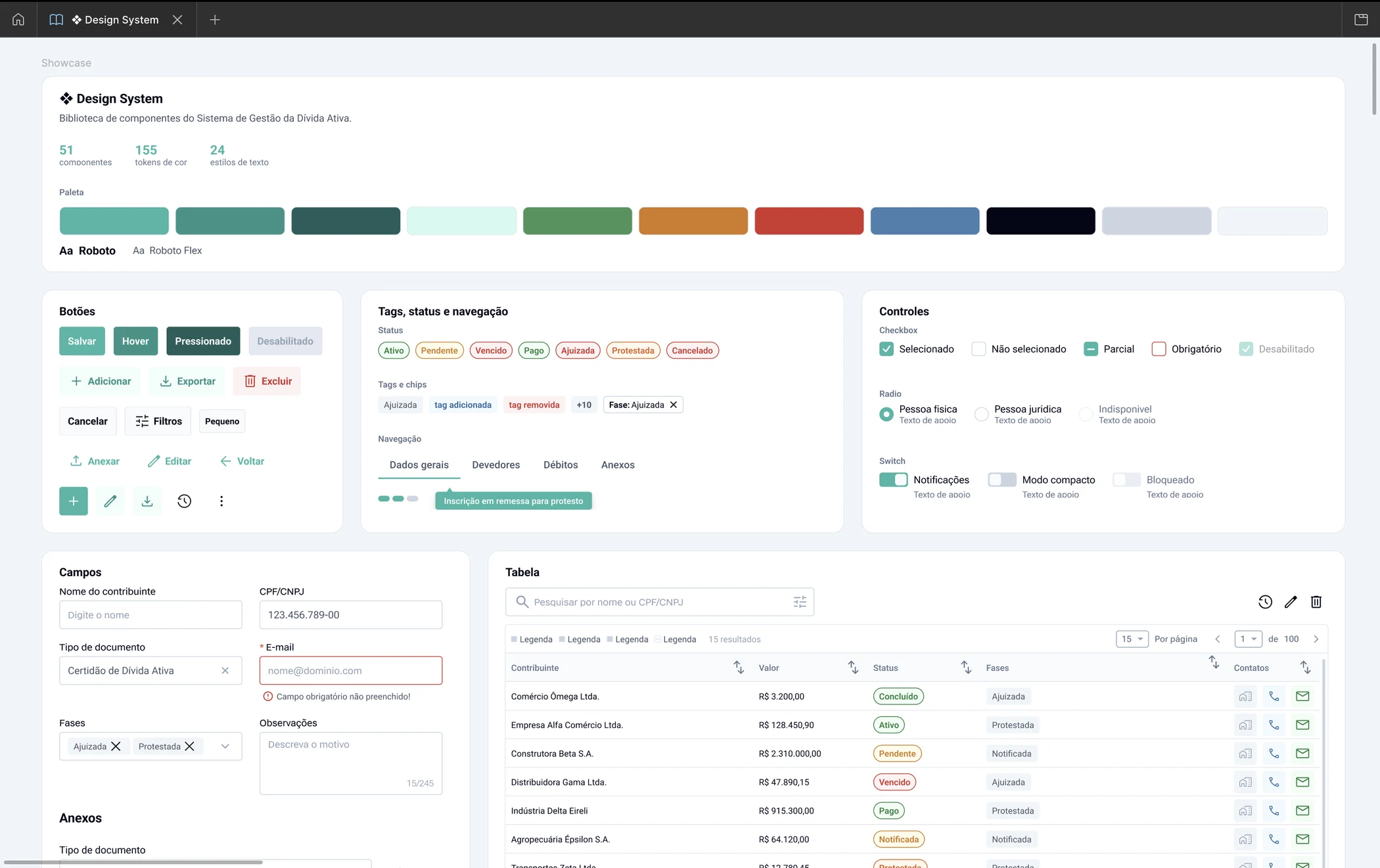
01. Same visual foundation as the management system
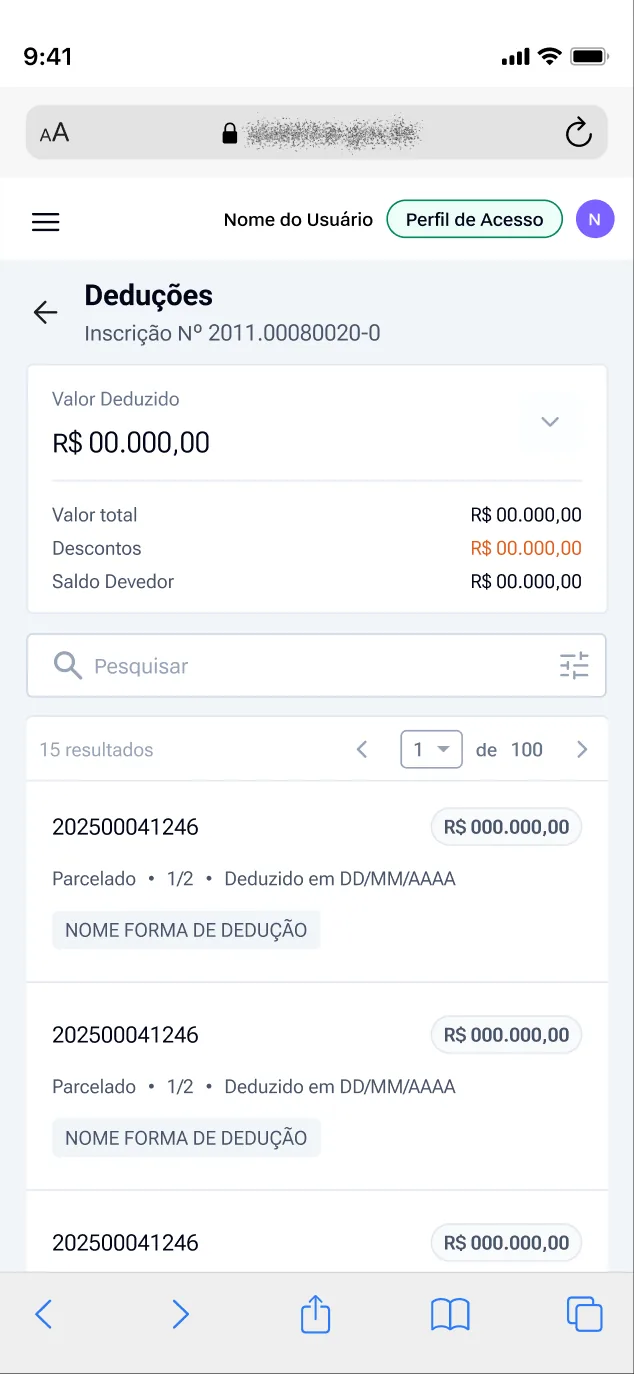
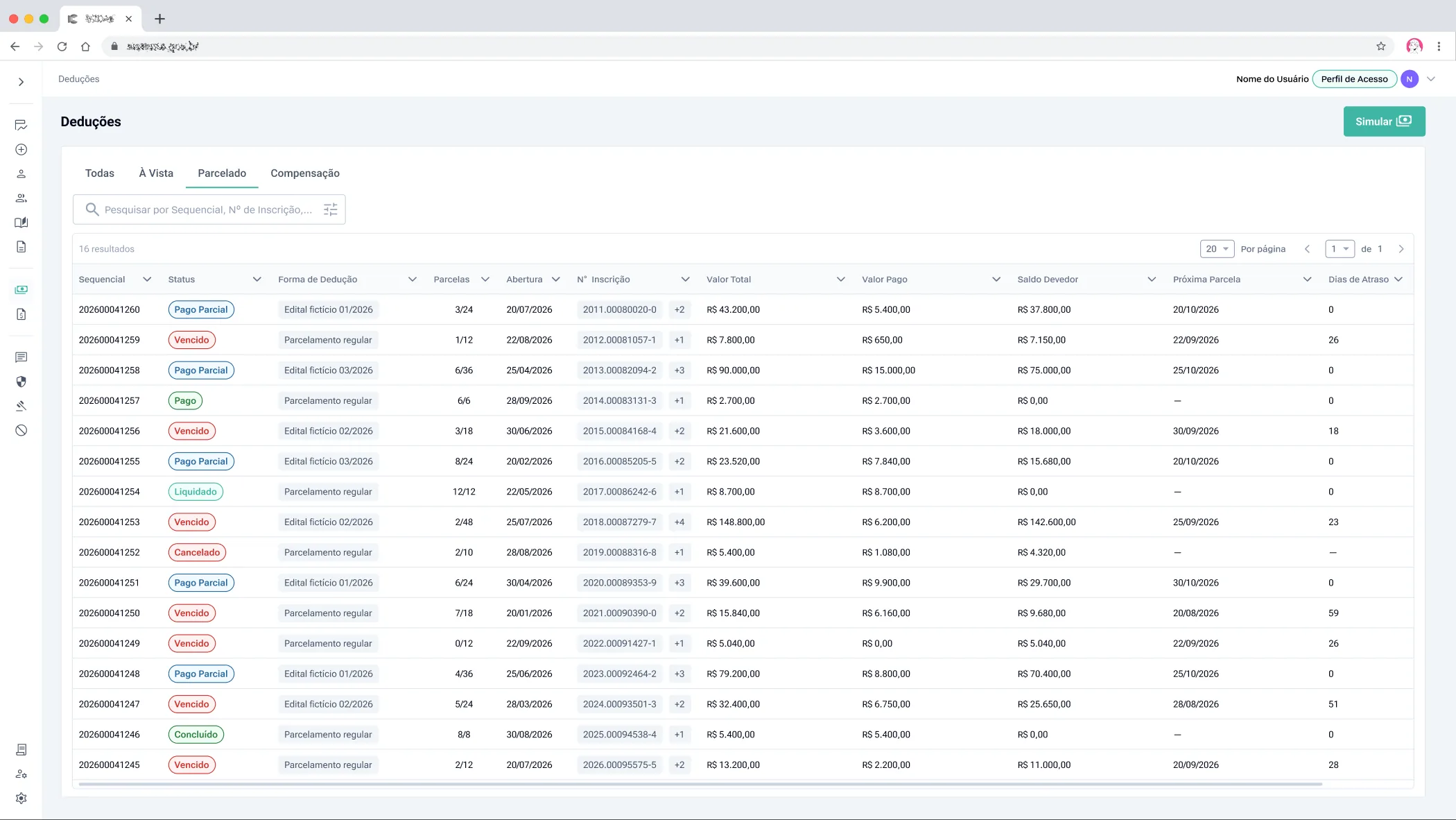
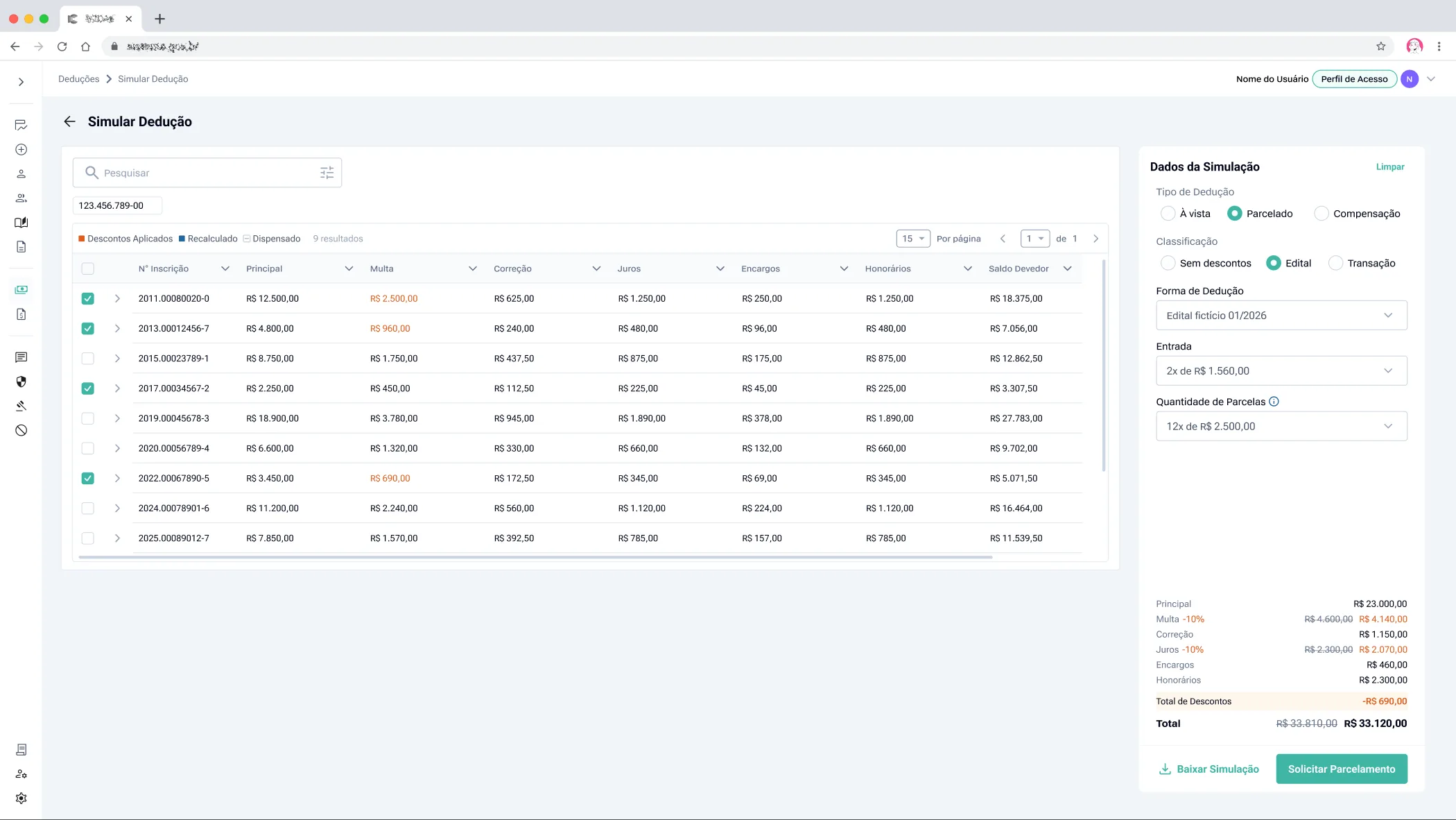
Both systems had to ship fast. So I reused flows, components and behaviors I had already designed for the Management System.
02. One registration per request
This means attaching the same document and repeating the case number for each registration. We chose this because mixing several registrations in one form created conflicts. In return, filling in the form became more linear and intuitive.
03. Fields defined by the source agency
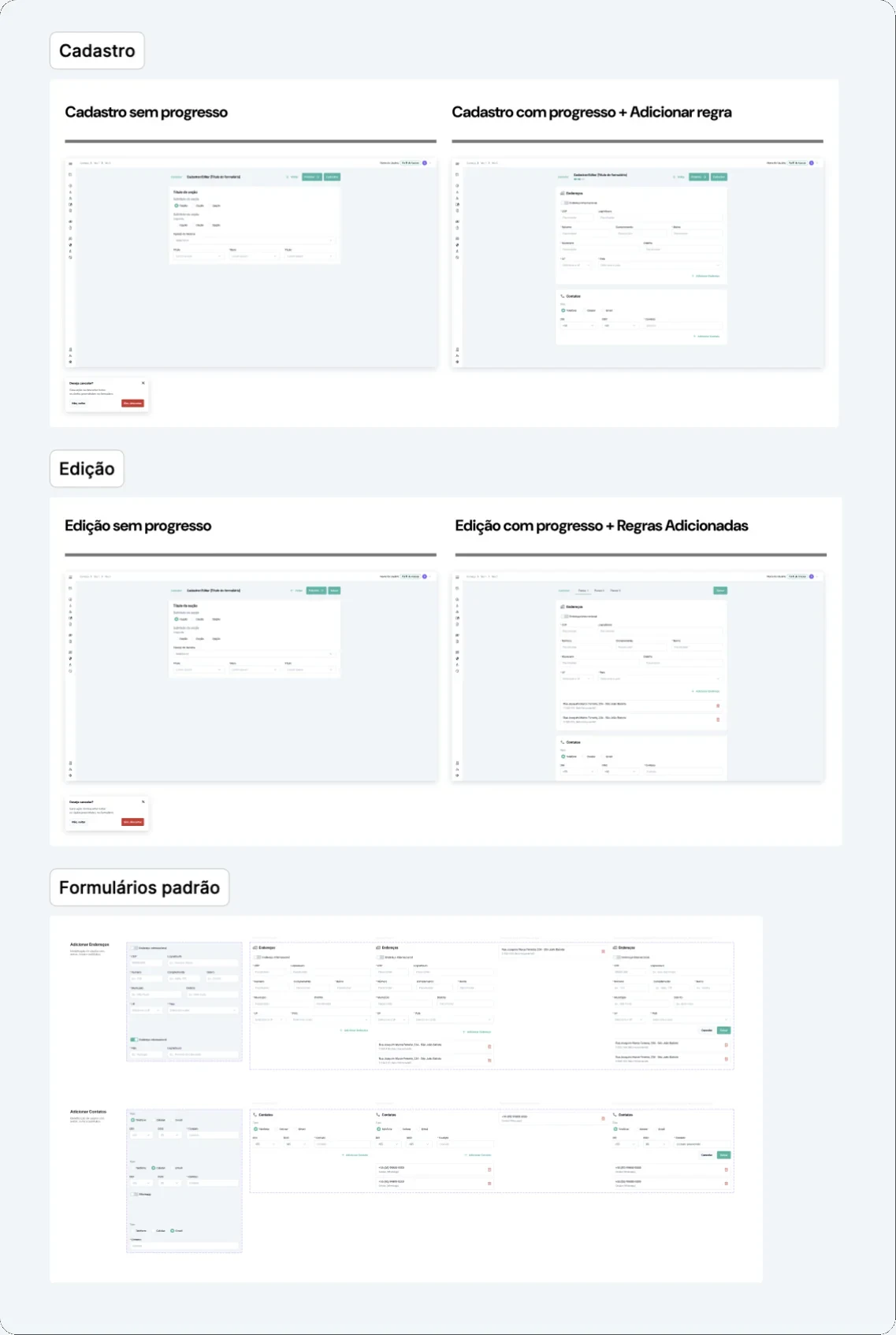
In the Management System, which I also designed, people with permission choose which fields appear in each agency's request form when they register the debt source.
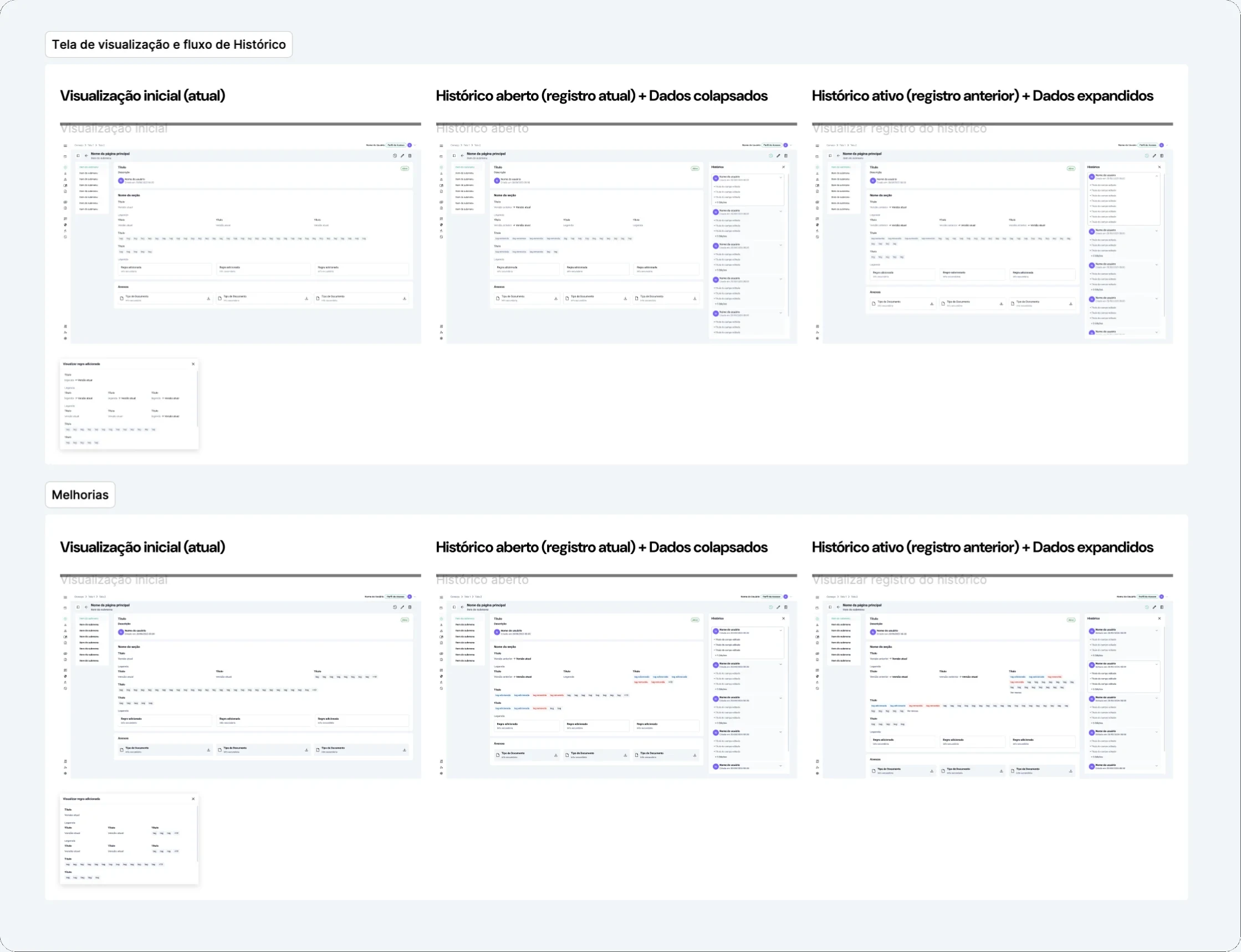
04. Request edit history
Public servants could now request edits, so those edits had to be recorded. Together with the development team, given the deadline and technical feasibility, we decided each edit would become a new request, grouped under the original one with an expand arrow.
05. Request status timeline
Someone suggested a history button next to the status, in a table that already had many columns and a lot of information. I suggested making the status pill itself clickable and leading to the history, without taking up more space.
Solution
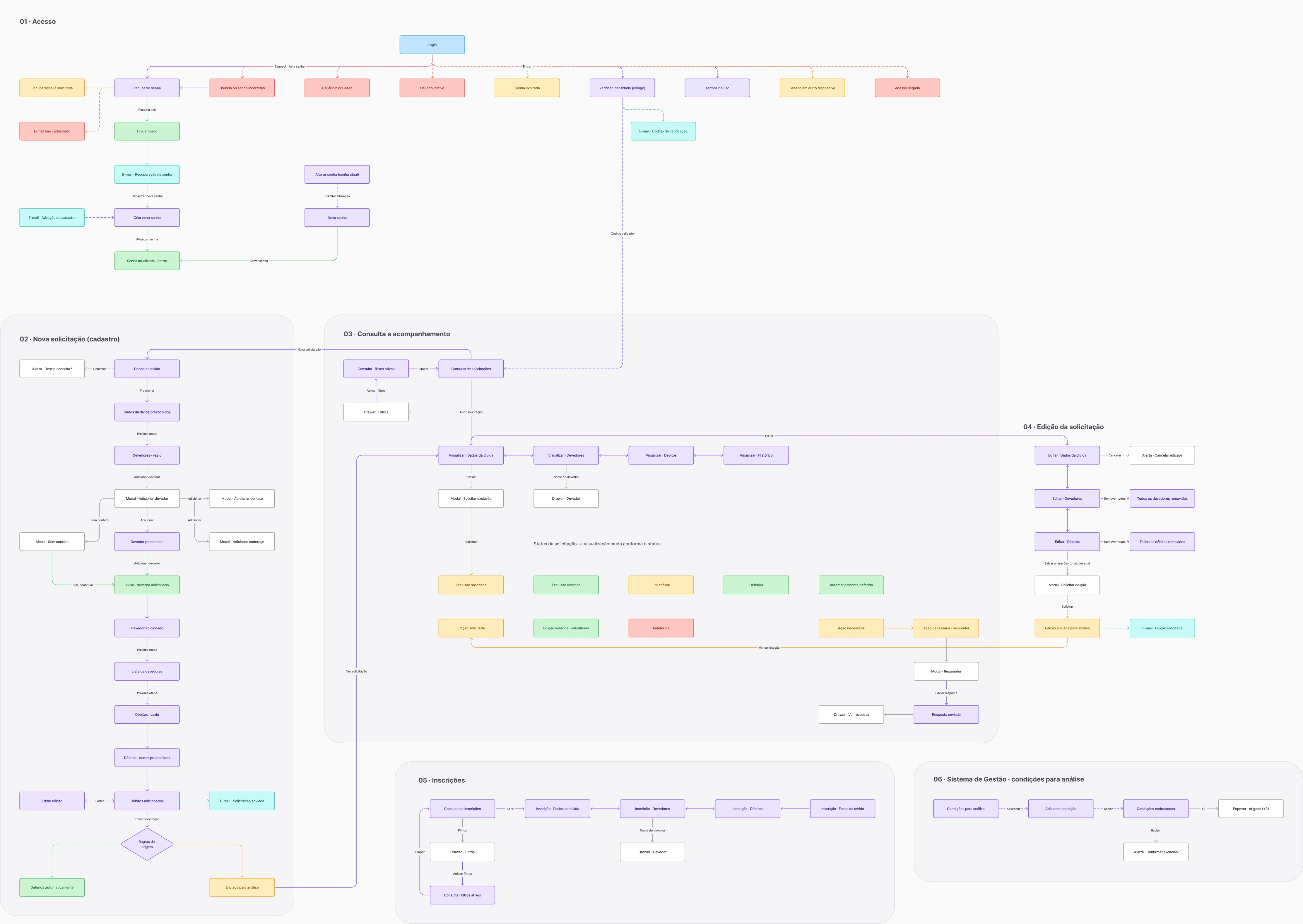
The before and after of each step, in submission order.
01 Debt details
Before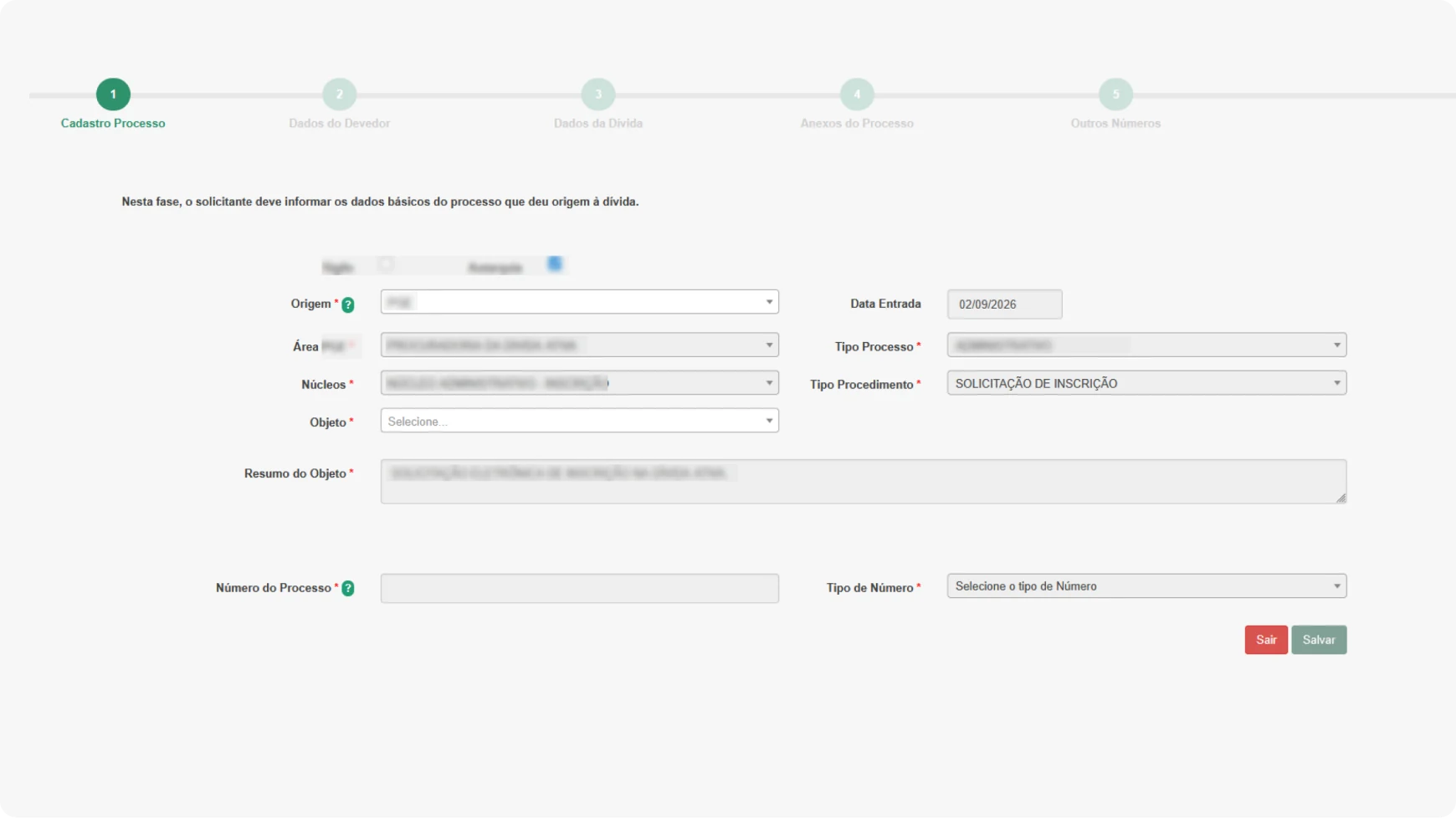
- Locked fields came prefilled with data the system already had. Since they couldn't be edited, they didn't need to be shown.
- The procedure type was always "registration request", which is exactly what the user is doing.
- Fields like license plate and chassis number showed up for every agency. The public servant had to know in advance which ones applied to their debt.
- Attachments were in a separate tab, and the public servant had to read a block of text to know what to attach.
01 Debt details
After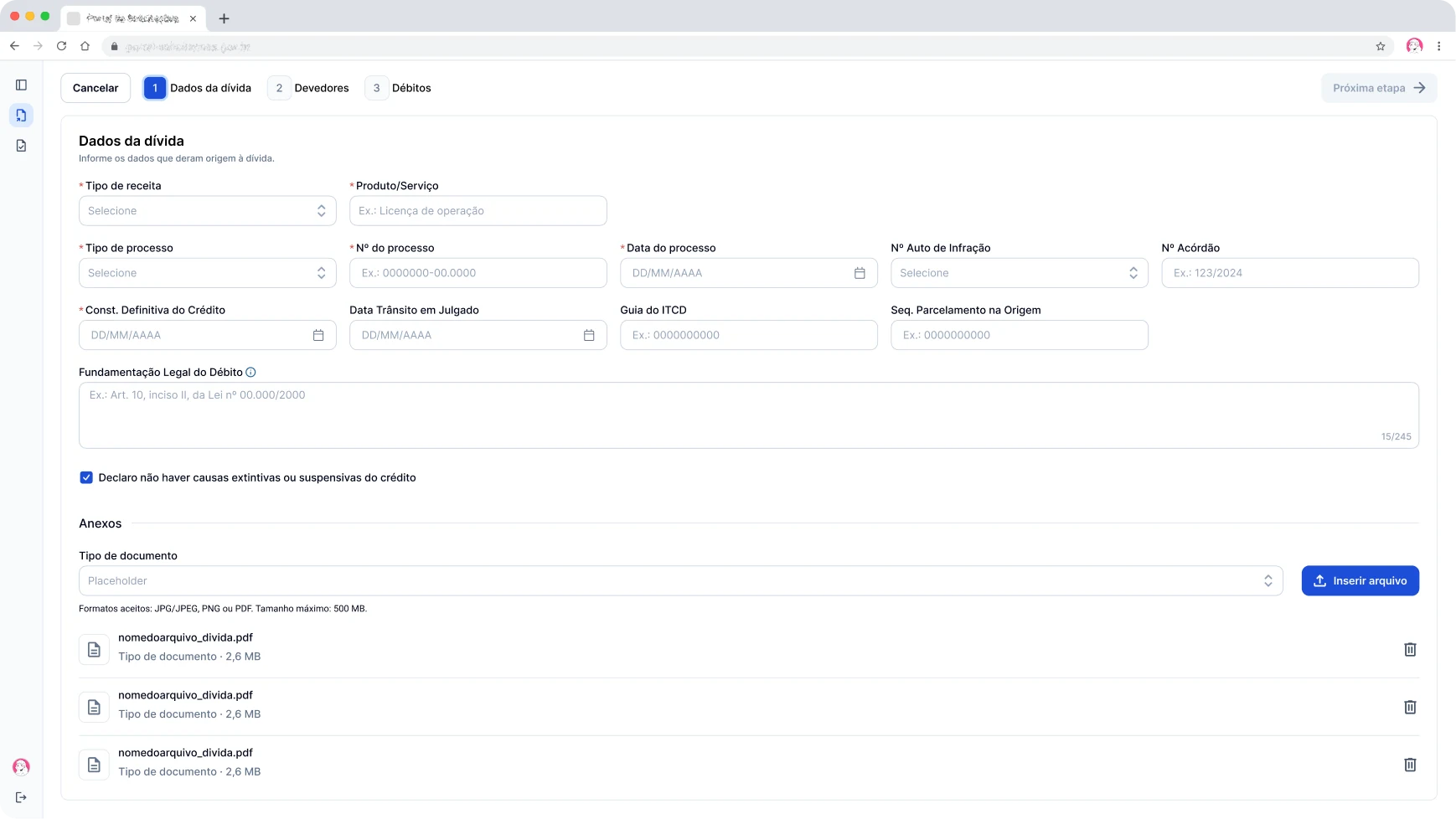
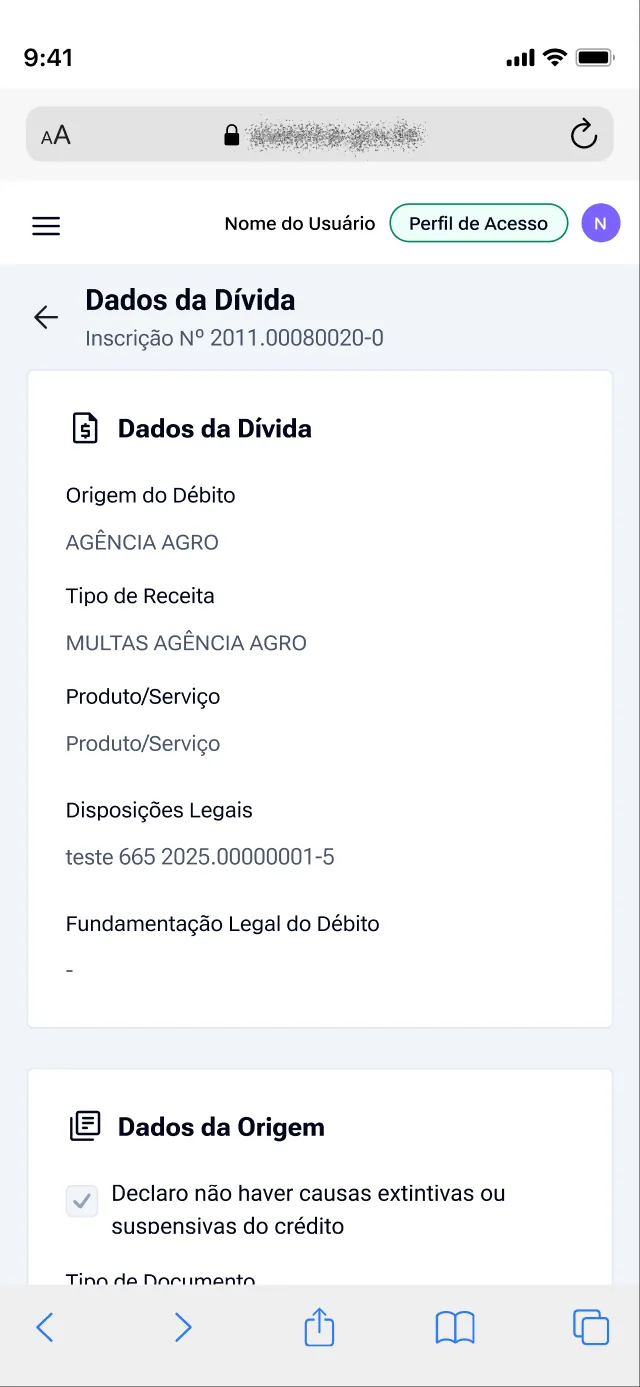
- Fields with information the system already had were removed from the screen, so the public servant only fills in what's needed.
- Only the fields defined for the agency appear, configured in the Management System.
- Attachments became a section of this step, and the document type is picked from a list.
- The other numbers became two optional fields, number type and number, for when they're still needed.
02 Debtors and charges
Before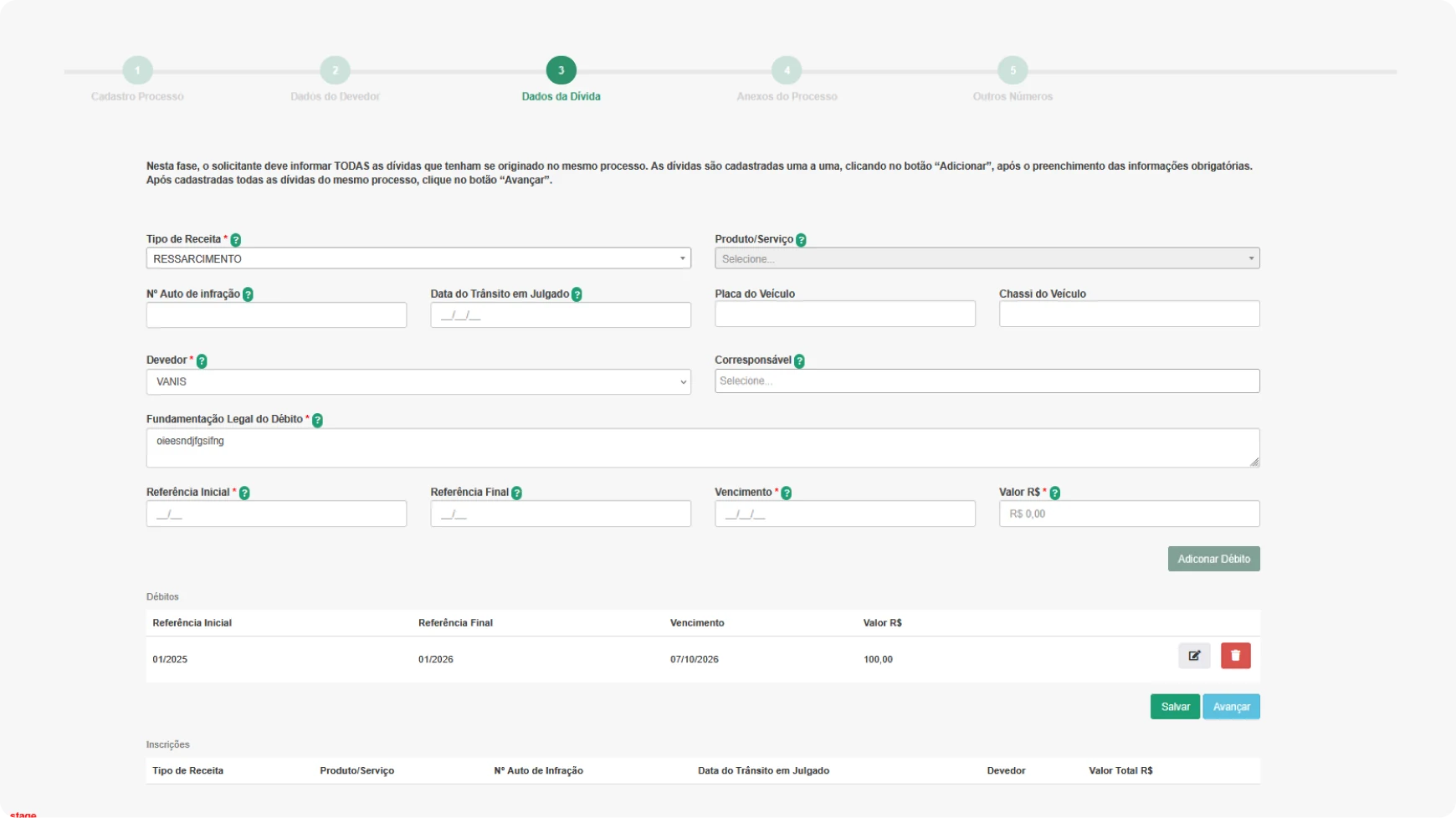
- 14 fields showed up at once, several of them locked with no explanation.
- It only allowed one contact and one address per debtor, which made collection harder.
- The public servant registered the debtors in one tab and only linked them to the registration in the next one. They had to know in advance that each debtor could belong to a different registration.
- The charges shared the screen with the debt details and the link to the debtor.
- The list of charges didn't show the total, so the public servant couldn't check the final amount.
02.1 Debtors
After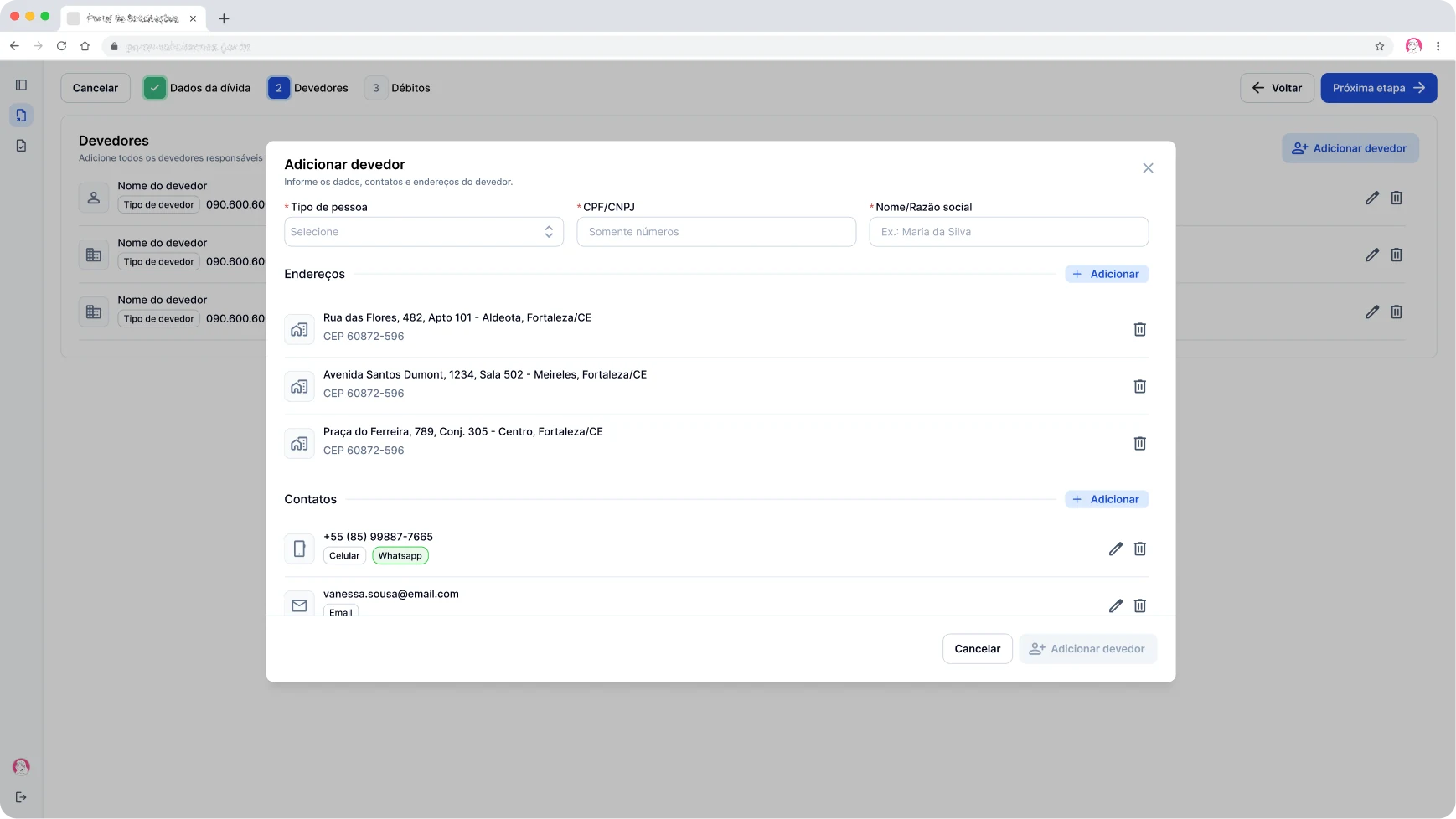
- The debtor is added in its own modal, with contacts and addresses in separate sections.
- Each debtor accepts several contacts and addresses.
- The list shows who has already been added before moving on, and when it's empty the screen says what to do.
02.2 Charges
After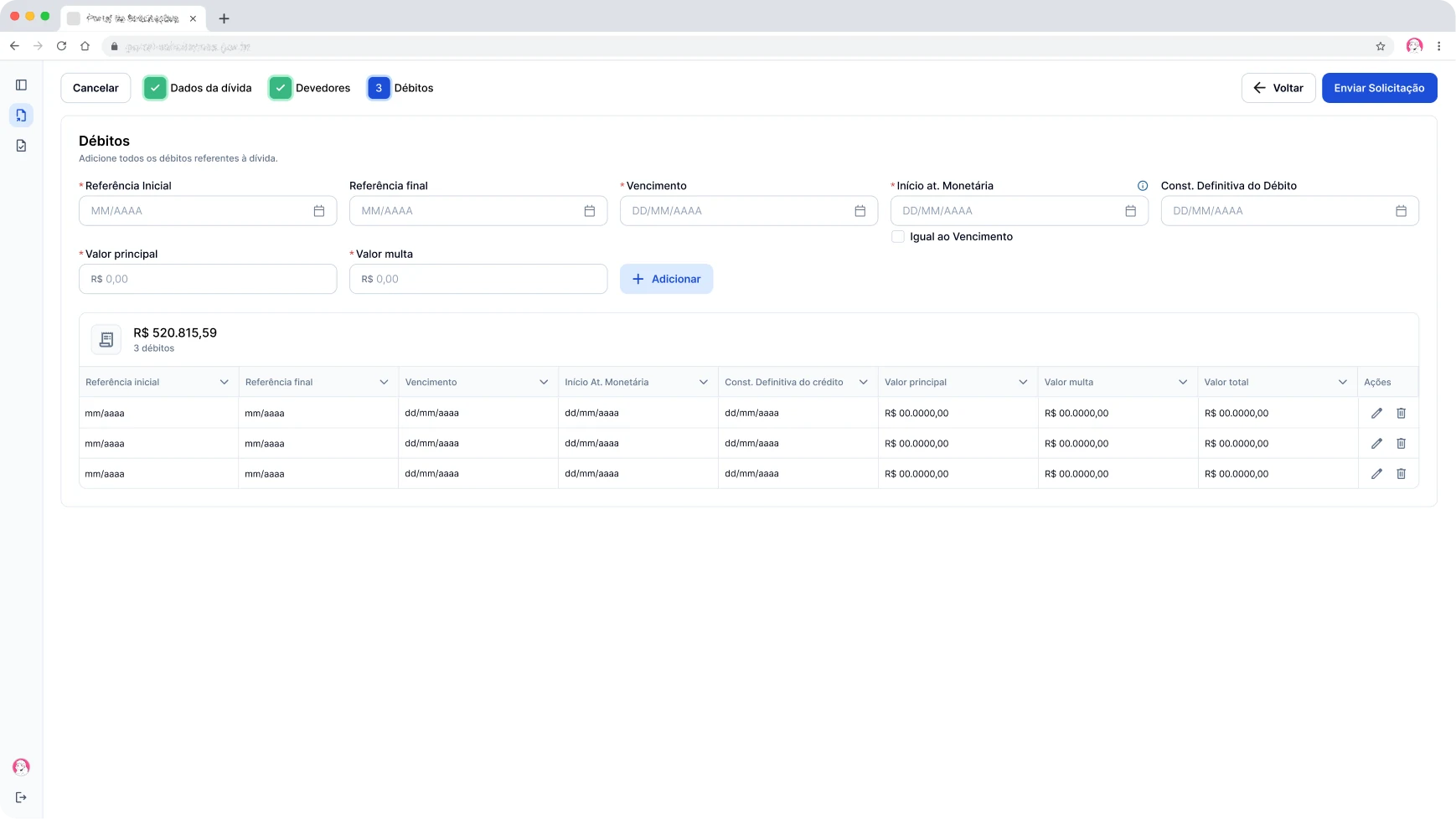
- Charges got their own step, with the fields inline and the table right below.
- Add sits next to the charge fields, and Submit request is the primary action.
- The table shows the total and the number of charges, updated with every addition.
03 Searching requests
Before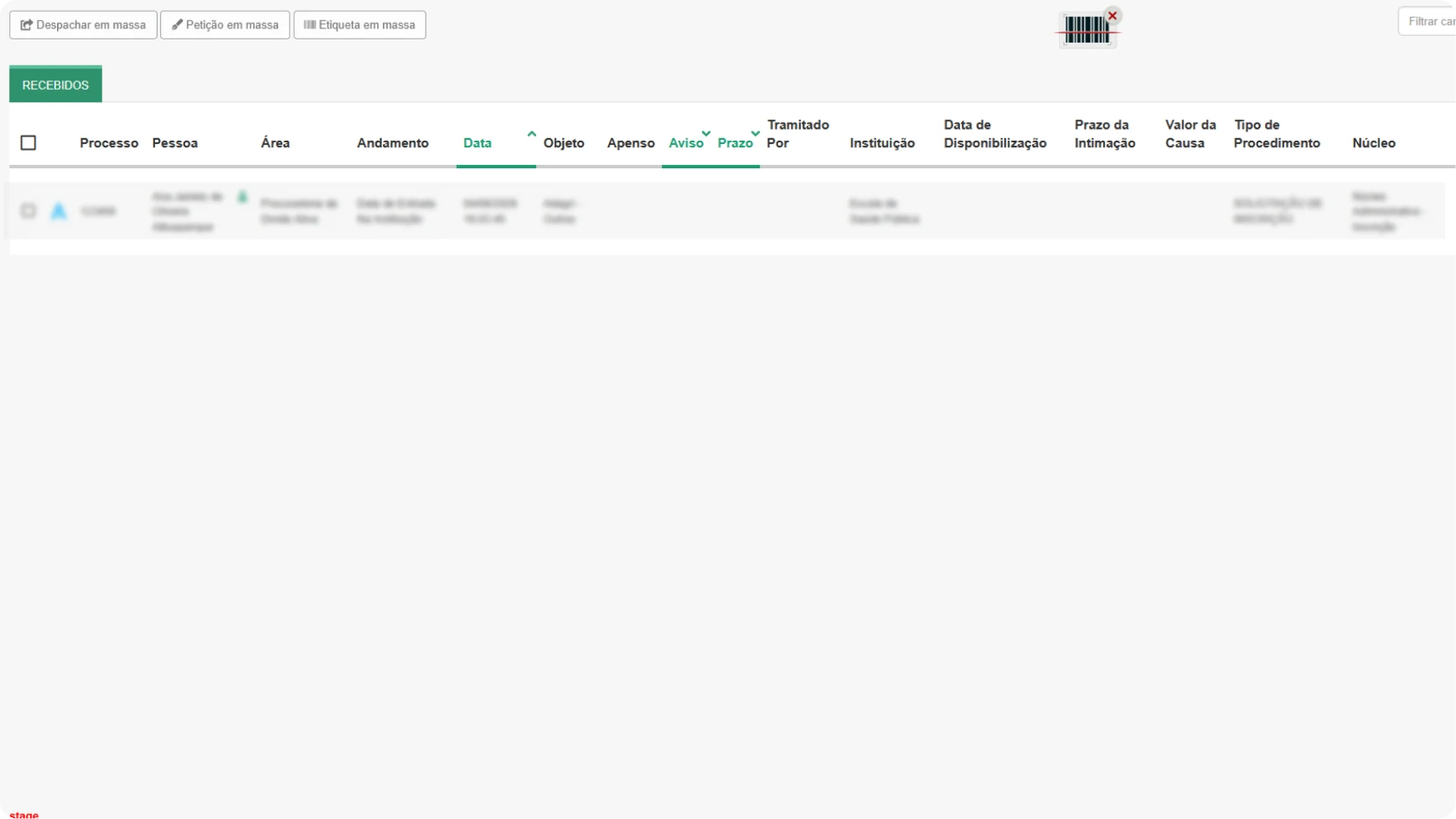
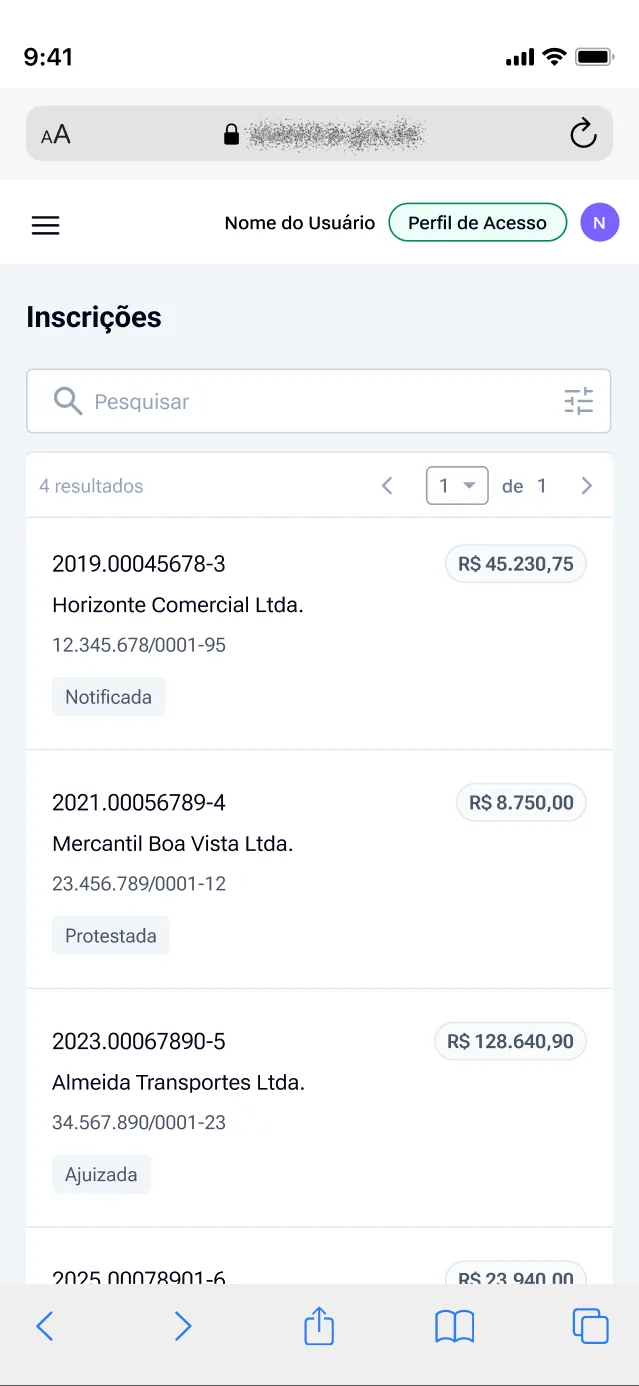
After submitting, the public servant saw a list of cases that didn't show which stage their request was in.
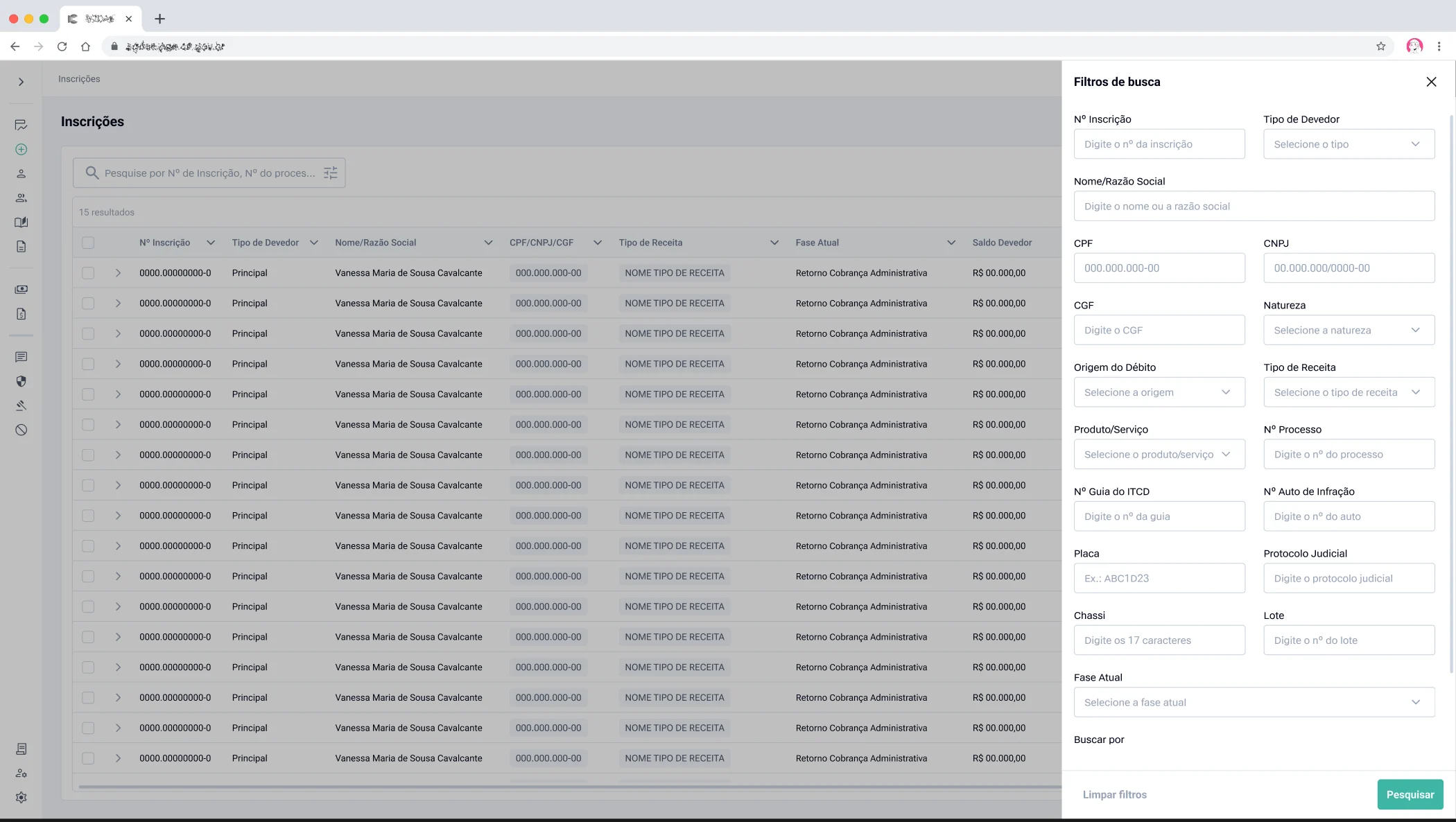
03 Searching requests
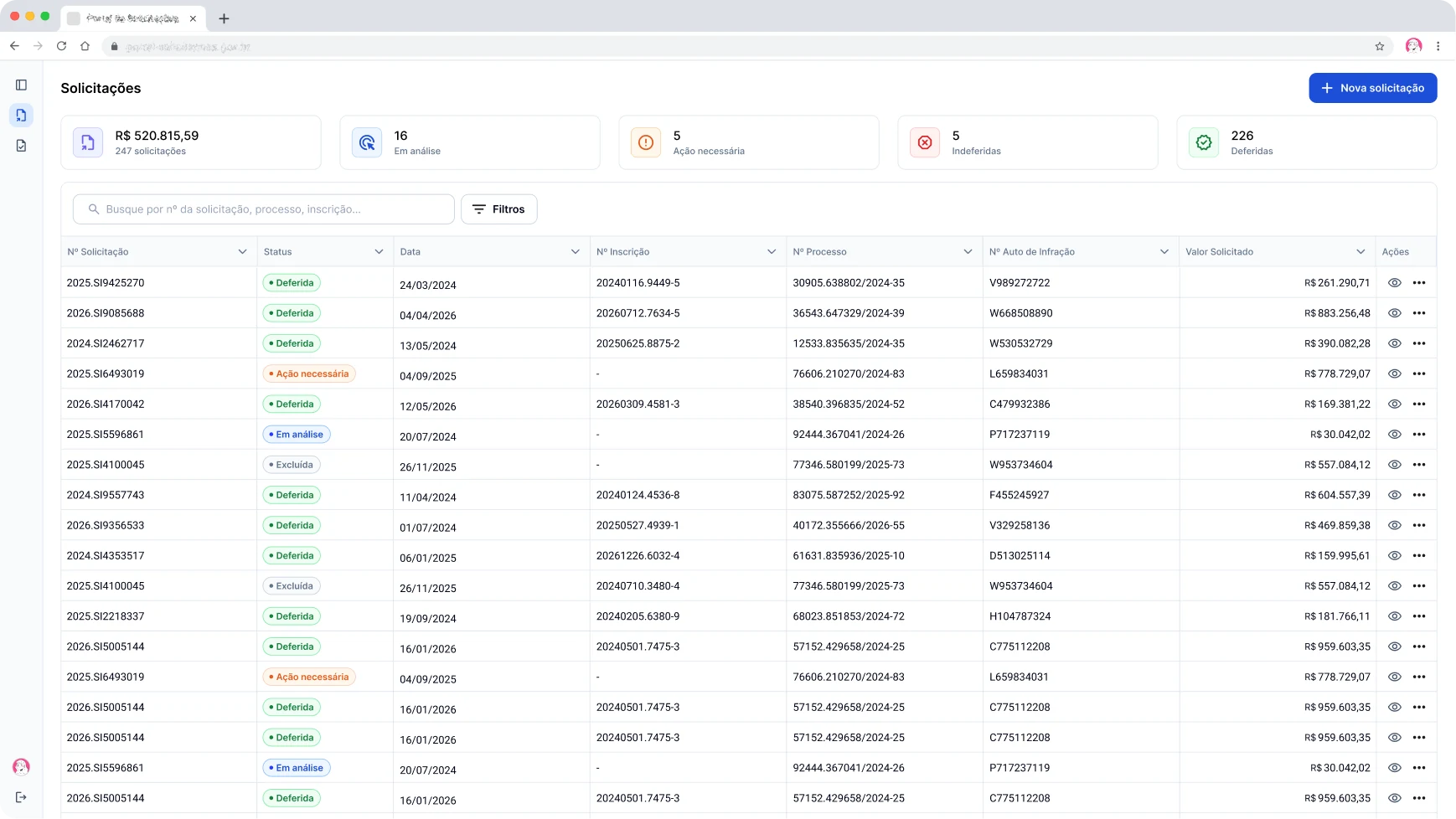
AfterA dedicated search for requests, with each one's status and summary cards at the top.
04 View
Iteration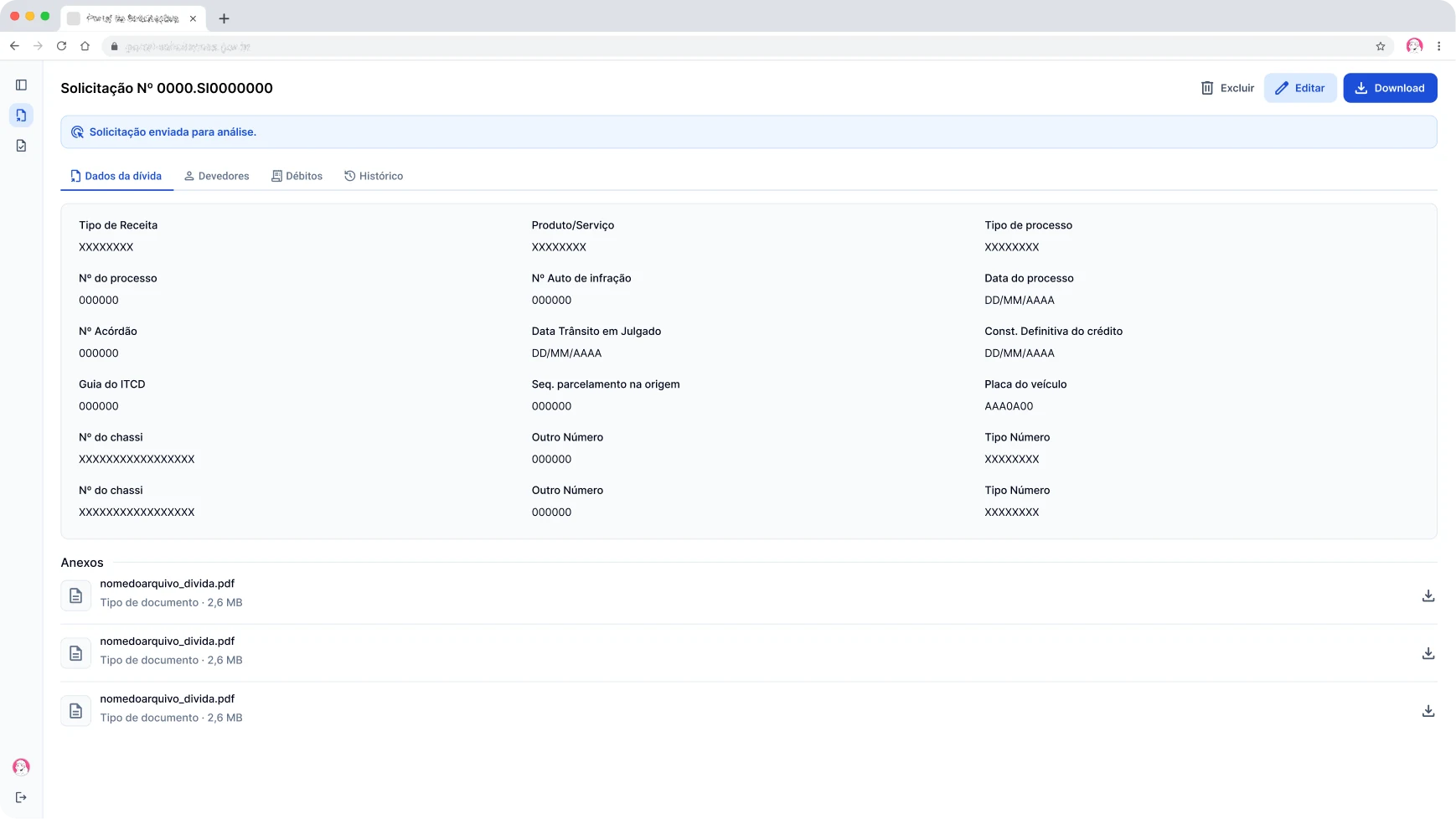
One screen brings together everything about the request, with the status at the top.
05 Edit/reply
BeforeFor each error, the analyst opened a ticket, waited for the reply by email and edited the registration by hand.
05 Edit/reply
After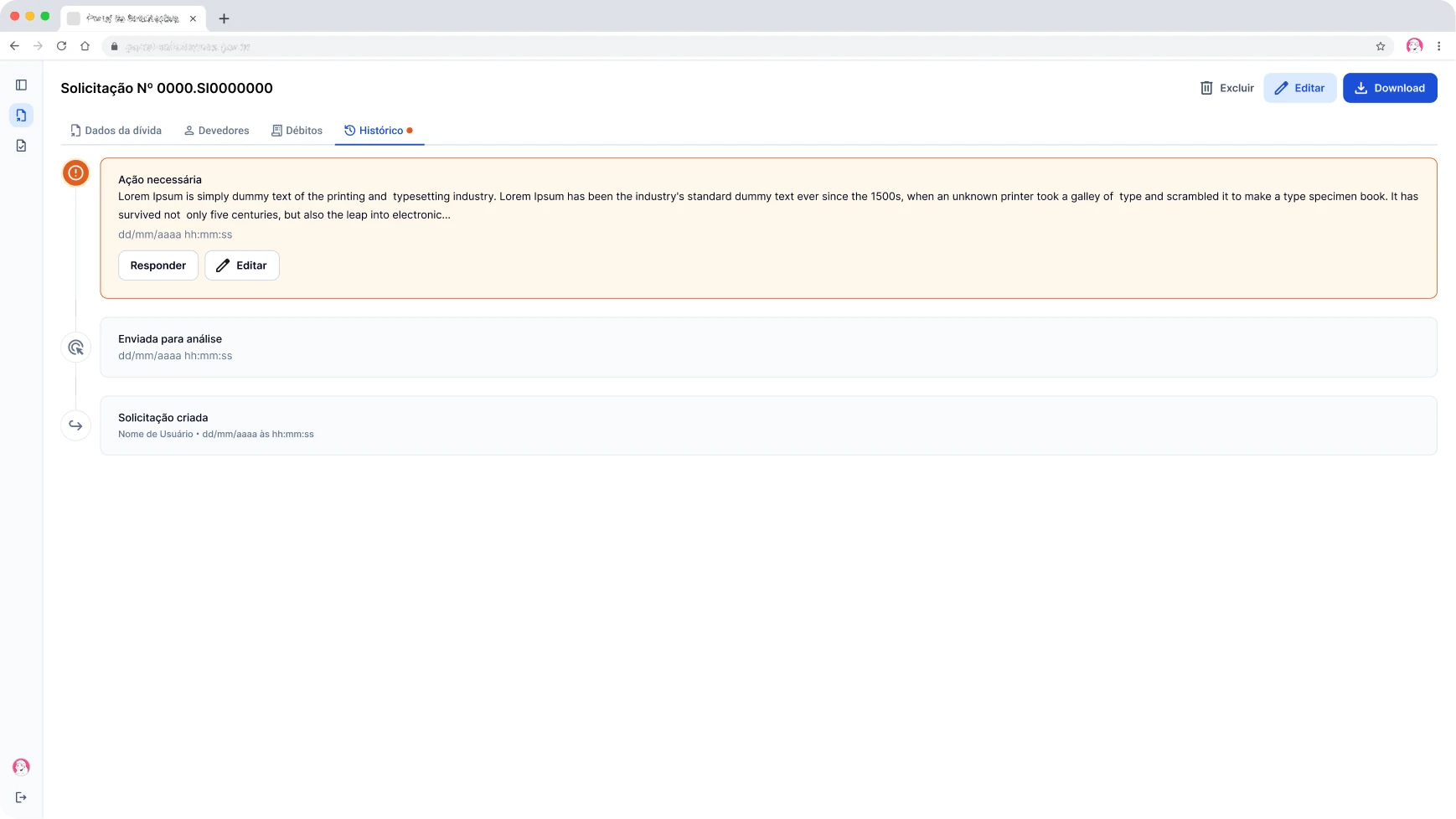
The analyst points out the error, and the public servant gets the notice in the system and by email, with a button that goes straight to the request, where they can edit it or just reply.
Next iterations
What I would change in the next version.
01. Debtor in a drawer, with inline contact and address
The drawer would keep the list of debtors in view and avoid opening one form on top of another to add contacts and addresses.
02. Review step before submitting
A final read-only screen with all the filled-in data and shortcuts to edit, so the public servant could check the whole request before submitting.
03. Action required already showing the reason
With the reason in the message itself, the public servant can decide right away whether they need to edit or just reply, without opening the request.
What I'll measure after launch
- 01. Time to submit a request.
- 02. Tickets and emails opened to register or fix requests.
- 03. Requests sent back with action required.